
Save Solution
Save a Solution
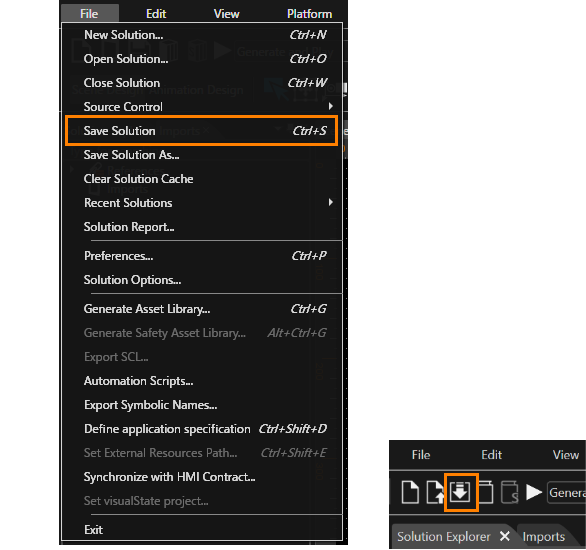
A solution can be saved via "File" > "Save Solution" menu or Toolbar item.
Save a Solution in a New Location
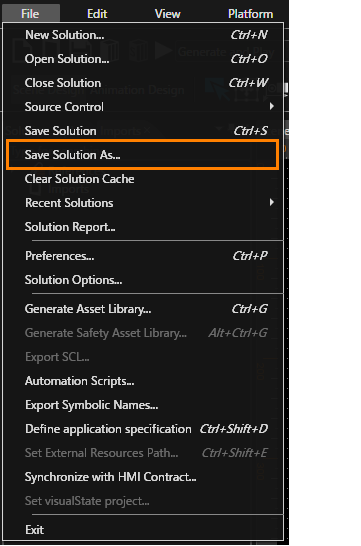
A solution can be saved via "File" > "Save Solution As..."
Select the new location for the solution in the "Save As" dialog.
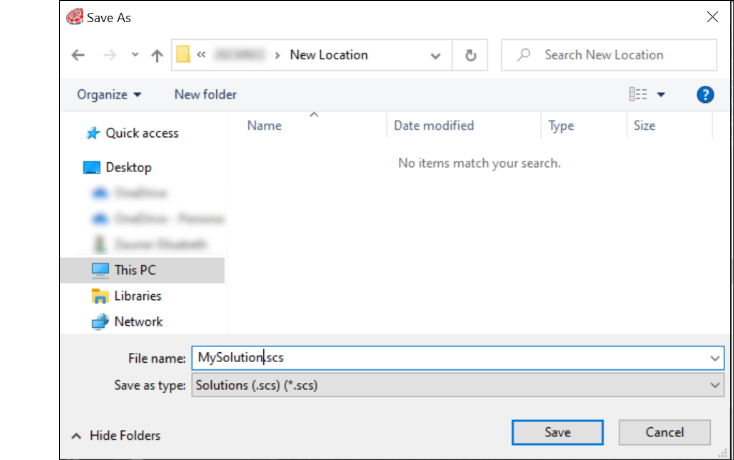
after pressing "Save", the solution is saved in the selected folder.