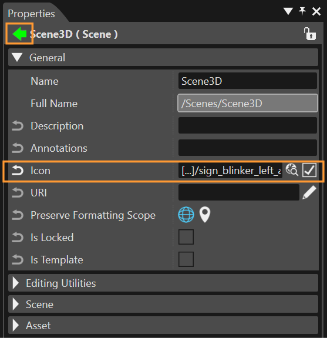
Icon Picker
It is possible to set any type of image as an icon. This "Icon Picker" feature is accesible in the "Solution Options" panel. (Select "File" > "Solution Options".)
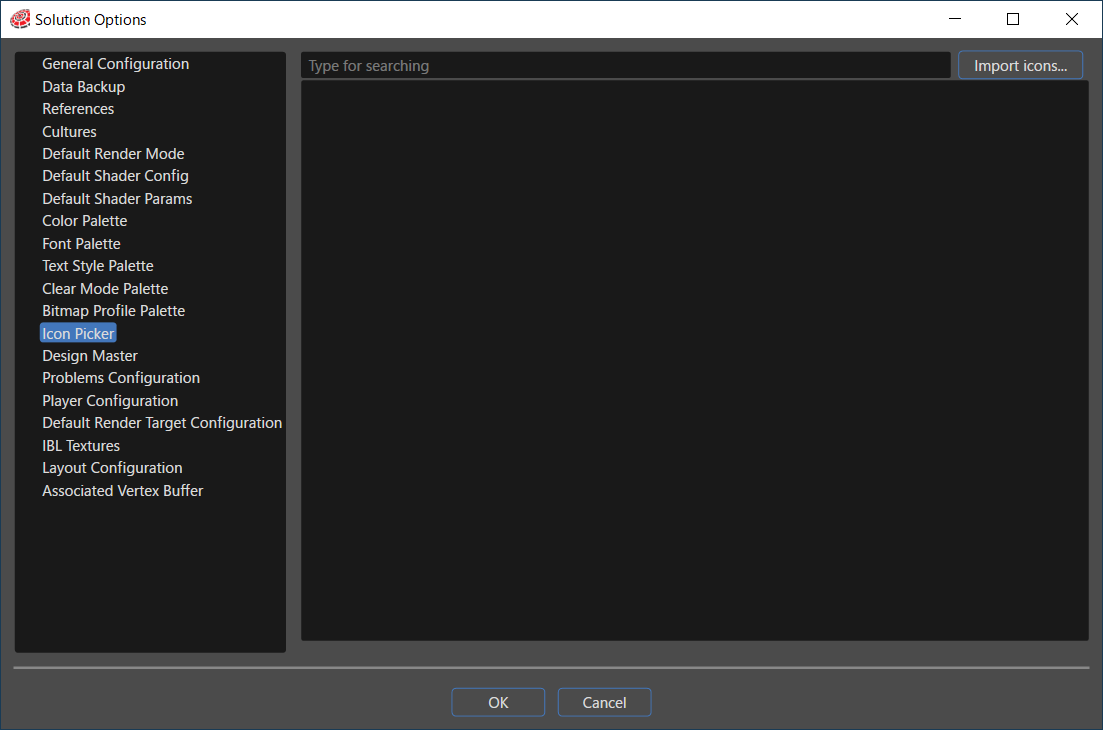
The first step towards the creation of a new set of icons is to add images. To select images use the "Import Icons" button which can be found in the upper right corner of the panel. In this way the "Import Icons" panel will become available.
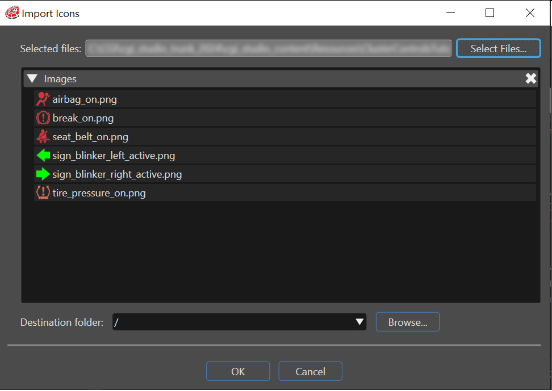
By using the "Select Files" button any desired image and destination folder, for imported images, can be chosen. All images imported as icons will be available as icons and they can be set for any library item (an item which has a folder as Parent) in the solution. The icon can be chosen in the Properties panel.
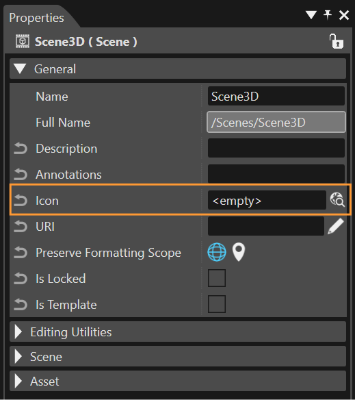
When an icon is selected for an item, the icon will become immediately visible in the Options panel.