
Output
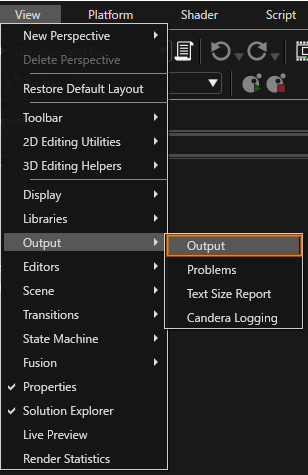
The Output panel can be shown by selecting [ View > Output > Output ] in the menu bar.
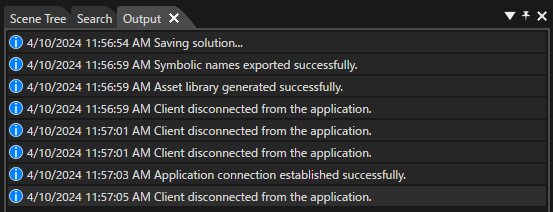
The Output panel displays all trace information about Scene Composer.
When a message is displayed in the output panel, a context menu is displayed by right-clicking on the panel.
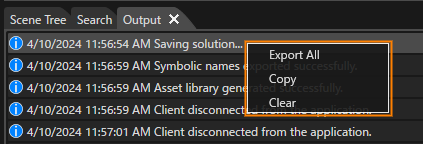
| Export All |
Export all messages displayed in the output panel to a file. |
| Copy |
Copies the message selected on the output panel to the clipboard. |
| Clear | Clears all messages currently displayed. |