
Template
The following items in a solution can be saved as templates. Using templates can help you streamline work when you need to use similar items repeatedly.
- Animation
- Node Attachment
- Appearance
- AppearanceCollection
- Material
- RenderMode
- Texture
- UniformSetter
- ScriptComponent
- Scene
Saved templates are displayed in the Templates panel, which can be displayed by checking [ View > Libraries > Templates ] on the menu bar.
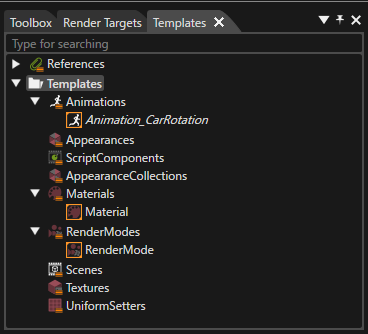
For details on how to save and use templates for each item, please refer to the following pages.
You can import and use templates saved in another solution by using [ Import > Import From Solution... ] on the menu bar.