Edit Scope Mask of a Node
Scope Mask of a Node in the Properties Panel
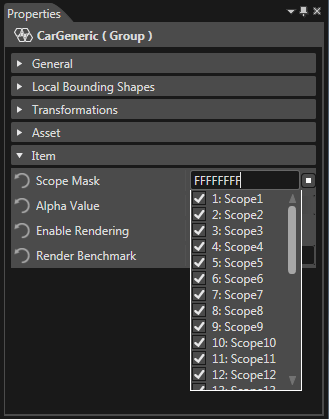
By default, the scope mask of a node contains all 32 scopes available. This can be inspected in:
- Properties Panel, on the item property "Scope Mask"
- Scopes Panel, since all scopes valid for the currently selected node are highlighted.
Select specific Scopes for a Node
Modify the scope mask of a node from the Properties panel by checking or unchecking the desired scopes from the Scope Mask combo box.
Select or Deselect all Scopes for a Node
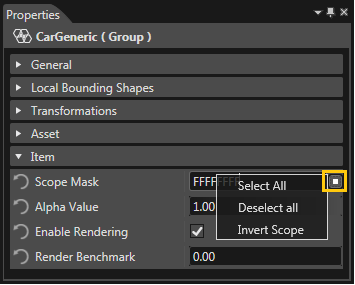
Select all/Deselect all scopes from Properties panel.
Invert a Scope Mask
Invert Scope option will perform a bitwise NOT operation on the bits of the selected scope mask.
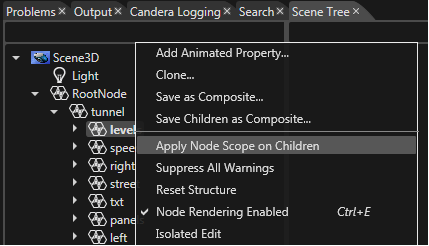
Apply Node Scope on Children
Apply a node scope mask on all children of the node by using the "Apply Node Scope on Children" option from the context menu.