Materials Solution
Summary
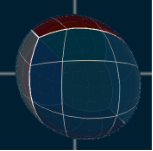
This solution shows various materials in a 3D scene. Those are wood, fur, carbon and cube-mapping-effects for example. All of the shown materials are available as template-appearances in SceneComposer that can be applied to existing nodes.
Purpose
The user gets an overview of which template-appearances are provided with SceneComposer. The different spheres have the appearances attached, hence the user can experiment with their properties and get an instant visual feedback.
Description
This section describes the single materials and which important properties they consist of.
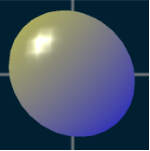
Gooch
Gooch shading between two colors, configurable via shader parameters.
Wood
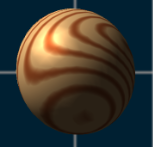
A fully procedural shader to achieve the look of annual rings in wooden objects. The effect can be configured via shader parameters, where the wood center defines a point along the center of the virtual tree trunk, the wood direction defines the direction of the wood grain and the multiplier affects the density of the annual rings.
Bump Mapping
For structured materials. Bump mapping requires a mesh with tangents and binormals, a color texture as well as a normal map.
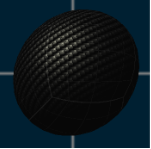
Carbon Fibre
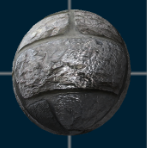
Achieves a carbon fibre look by applying specular highlights to the bright parts of the carbon texture only. The shader parameter "Tile" allows repeating the carbon fibre texture on the object. Also supports cube map reflection.
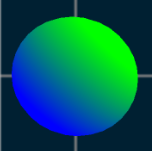
Gradient Linear
A simple linear gradient between two colors along a specified axis. Can be configured via the shader parameters: starting position, direction and magnitude.
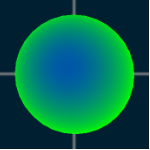
Gradient Radial
A simple radial gradient between two colors around a specified center point. Can be configured via the shader parameters: starting position and magnitude.
Fur
A multiple pass appearance simulating hair or fur. The amount of passes is variable, each pass should be configured separately via an alpha texture (hair position), a color texture (hair color) and shader parameters.
Brushed Metal
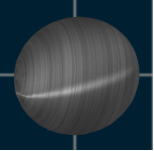
Anisotropic lighting of brushed metal using a strand texture for the diffuse and specular intensities.
Car Paint Flip Flop
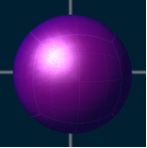
Simulates flip-flop car paint which changes color depending on the viewer's position and the direction of light. Also supports cube map reflection.
Car Paint Metallic
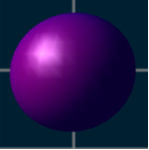
Simulates metallic car paint using a noise texture. Also supports cube map reflection.
Car Paint Metallic Flip Flop
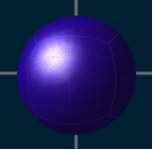
Combines the effects of metallic and flip-flop car paint. Also supports cube map reflection.
Sphere Mapping
Wraps a sphere map around an object.
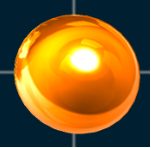
Cube Mapping
Wraps a cube map around an object.
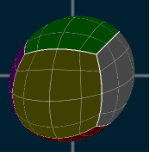
Cube Mapping Reflection
Reflects a cube map in an object.
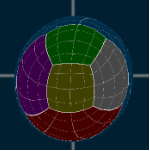
Cube Mapping Refraction
Refracts a cube map through an object achieving a lens effect, the refraction ratio shader parameter will affect the amount of distortion.
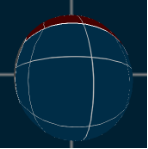
Cube Mapping Reflection Refraction
Combines the effects of reflection and refraction on a cube map.