
Properties Panel - Favorites
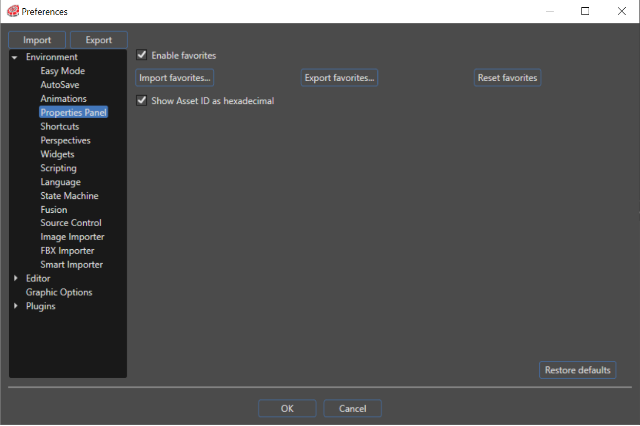
Enable favorites
You can save any property as a favorite property.
Add / Remove Properties to Favorites
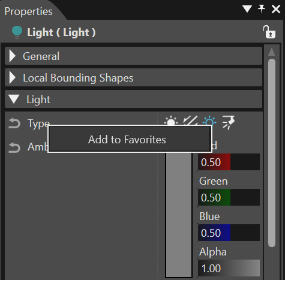
Any property can be saved as a favorite property just by right-clicking on it, after the favorites are enabled. A "Favorites" category will appear in the Properties, where you can see all the selected favorite properties.
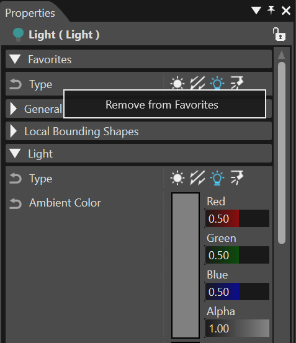
Right click on a property in the "Favorites" category and select "Remove from Favorites" in the context menu to remove a single one.
Import favorities... / Export favorities...
Use "Export favorites..." in the "Environment - Property" section for saving all the selected favorite properties on a chosen location (as an .XML document). Any exported .XML favorites document could be imported by using the "Import favorites..." button from the "Environment - Properties panel" section.
Reset favorites
The "Reset favorites" button in the "Environment - Properties" panel section allows to reset all the available favorite properties.
Show Asset ID as hexadecimal
If enabled, Asset IDs (ID property in the Assets section of the Properties panel) are displayed in hexadecimal, if disabled they are displayed in decimal.