
Configure Imported Bitmap Name Suffix
By using the "Image Importer" or the FBX Importer" option from "File > Preferences > Environment" it is possible to configure the Bitmap suffix used by the FBX importer and the Image importer. For this the desired suffix should be written inside the field "Bitmap name suffix". The default suffix ("Bmp") can be restored by using the button which is placed in the lower right corner of the panel.
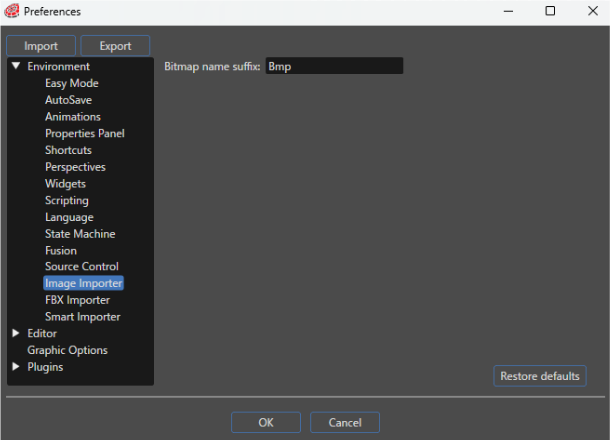
Imported Bitmap Name Suffix
In order to avoid name conflicts when importing multiple items (for example importing a FBX may create a scene, an animation, a vertex buffer and a bitmap all with the same name) a suffix is appended to the name of the item. This suffix is Bmp for bitmap, VB for vertex buffer and for all other items is same as the type (Scene, Animation, etc).