
Rotation and Scale
Rotation
The rotation takes place around the warped center point of the bitmap area.
If an uneven number of reference points in x/y direction is specified, the warped center point coincides with the middle reference grid point and the coordinates of the rotation axis are present. If an even number of reference grid points is use, the coordinates of the warped center point are calculated.
An initial RotationValue and the RotationLimit are specified through the configuration parameter structure:
- Initial Rotation value is represented in grad*100. This is the default rotation value that is applied to the warp image prior to rendering.
- RotationLimit represents the maximum rotation angle in grad that the warped image will be rotated to. Both positive and negative values are accepted.
Warp image rotation at run-time is achieved through the adjustments supported by the Warping Library. Subsequent calls of warp matrix adjustments result in incremental rotation of the warp image with an incremental step equal to the specified delta value.
-
If the initial RotationValue exceeds the specified RotationLimit a WarpResultErrorConfigInvalidValue will be thrown and the calculation of the warp matrix will be aborted.
Scaling of the warp image occurs when the RotationLimit value is chosen such that at maximum rotation point, the image will extend beyond the illuminated area. More details related to image scaling is presented in the next section.
Example
RotationValue: 500 | Rotate 5° to right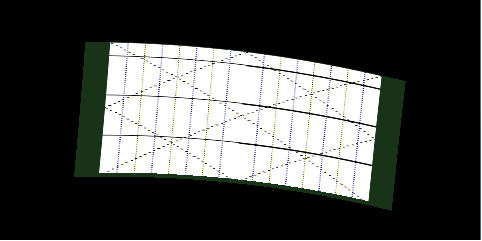 |
RotationValue: -1000 | Rotate 10° to left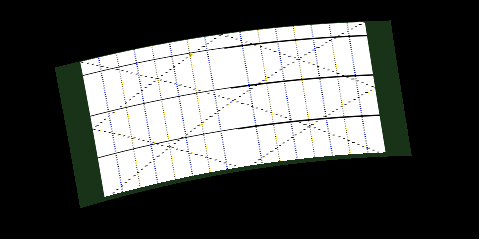 |
RotationValue: 3000 | Rotate 30° to right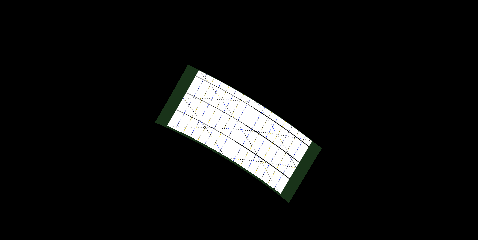 |
RotationValue: -4500 | Rotate 45° to left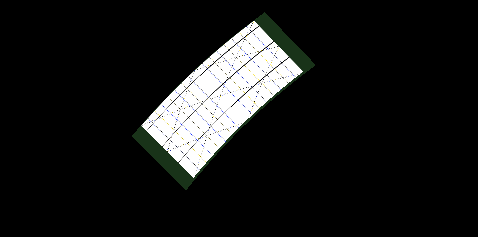 |
Scaling
The warping library performs automatic rescaling of the resulting warping matrix whenever it overlaps or exceeds the boundaries of the illuminated area. It is possible to identify two cases in which rescaling will be done:
- If the configured illuminated area is smaller than the bitmap area, the resulting warp matrix will be rescaled to the specified illuminated area.
- If the RotationLimit value is chosen such that at maxim rotation point, the warp image will extend beyond illuminated area boundaries.
The ScaleMode parameter influences the behavior of scaling by modifying the internal scale factor:
- 0 - scale factor is 1. Scaling occurs only if the image does not fit inside illuminated area. Rotating the warp image at run-time will rescale the resulted rotated image if it falls outside illuminated area boundaries.
- 1 - scale factor is calculated based on RotationLimit value. The warp image will be scaled down to the size that fits inside the illuminated area when a rotation equal to RotationLimit is applied.
Example
| No Scaling occurs BitmapArea: 408x190 | Illuminated Area: 480x190 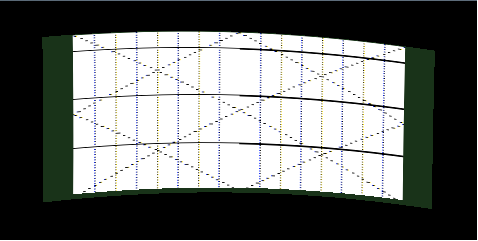 |
Scaling occurs because bitmap area exceeds illuminated area BitmapArea: 408x190 | Illuminated Area: 375x190 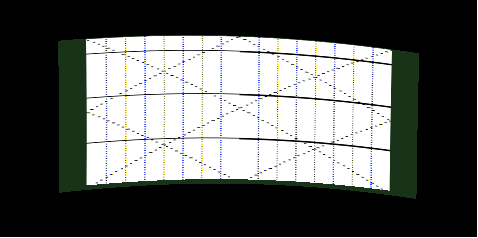 |
| No Scaling occurs since warp image does not exceed illuminated area BitmapArea: 408x190 | Illuminated Area: 480x190 RotationValue: 0° | RotationLimit: 45° ScaleMode: 0 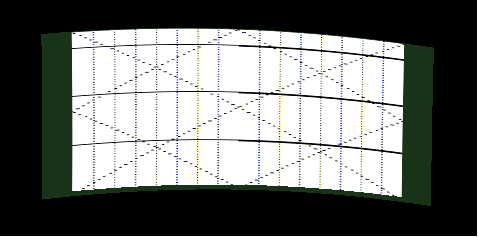 |
Scaling occurs because of specified RotationLimit and ScaleMode BitmapArea: 408x190 | Illuminated Area: 480x190 RotationValue: 0° | RotationLimit: 45° ScaleMode: 1 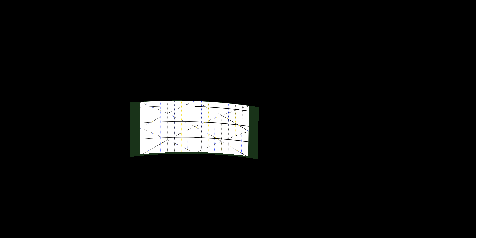 |
| Scaling down during incremental rotation BitmapArea: 408x190 | Illuminated Area: 480x190 ScaleMode: 0 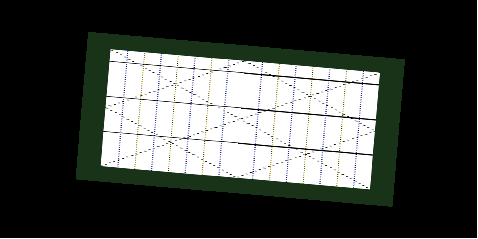 |
Scaling down during incremental rotation BitmapArea: 408x190 | Illuminated Area: 480x190 ScaleMode: 0 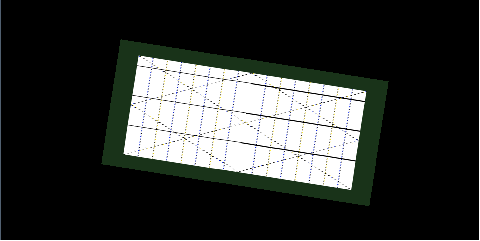 |
| Scaling down during incremental rotation BitmapArea: 408x190 | Illuminated Area: 480x190 ScaleMode: 0 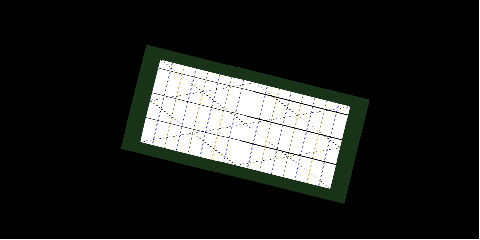 |
Scaling down during incremental rotation BitmapArea: 408x190 | Illuminated Area: 480x190 ScaleMode: 0 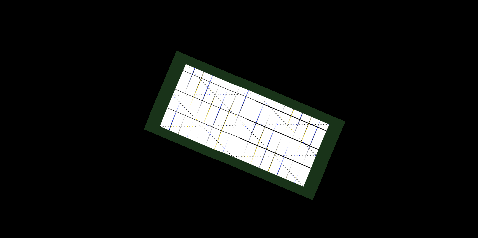 |
| No scaling during incremental rotation BitmapArea: 408x190 | Illuminated Area: 480x190 ScaleMode: 1 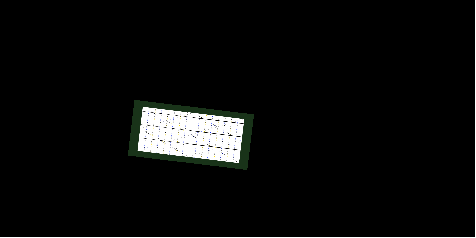 |
No scaling during incremental rotation BitmapArea: 408x190 | Illuminated Area: 480x190 ScaleMode: 1 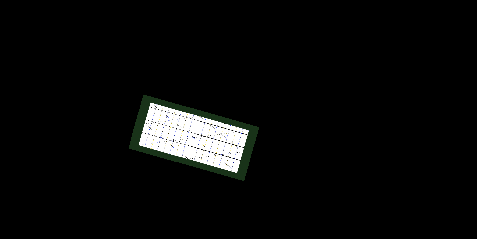 |
| No scaling during incremental rotation BitmapArea: 408x190 | Illuminated Area: 480x190 ScaleMode: 1 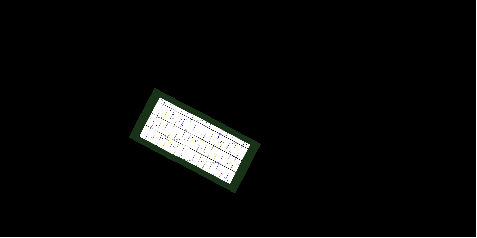 |
No scaling during incremental rotation BitmapArea: 408x190 | Illuminated Area: 480x190 ScaleMode: 1 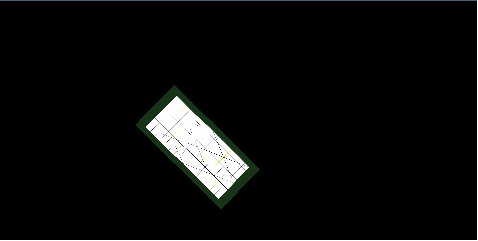 |