Transitions View
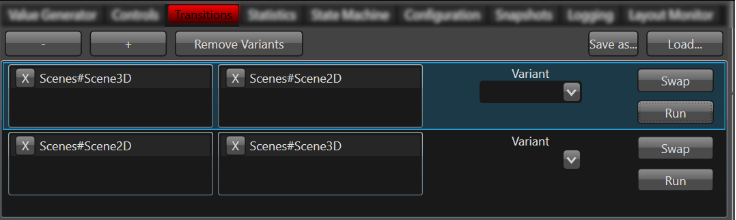
The transitions view is available to trigger transitions. This happens by drag and drop from the scene list into the deactivation or activation area. A deactivation scene will be hidden and an activation scene will be shown at the end of a transition. More than a single scene can be added to the lists. The transition will be executed by pressing the Run button. The swap button swaps the list. So it will revert the execution. More of the transition instances can be created to keep one but create a second one. These transitions are kept only for a single session.