
Player Menu
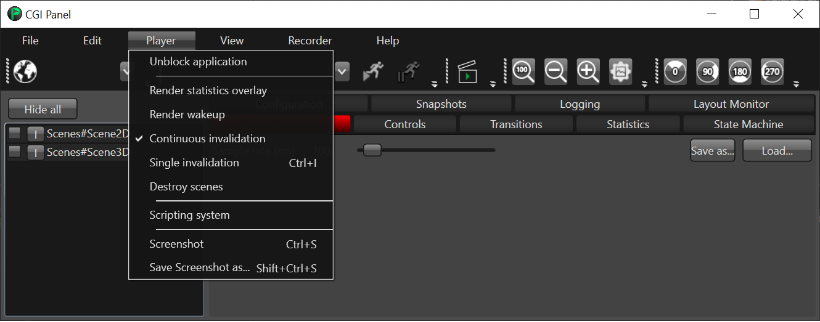
Options:
- Unblock application: unblocks an application which is currently in the waiting state.
- Render statistics overlay: enables or disables the render statistics overlay within the scene.
- Render wakeup: enables or disables the render wake up mechanism.
- Continuous invalidation: enables or disables continuous invalidation. (Please note that it should be disabled when Dirty Area Management feature is used)
- Single invalidation: sends a single 'invalidate all' message.
- Destroy scenes: enables or disables the destroying of the scenes as soon they are hidden.
- Scripting system: enables or disables the script system.
- Screenshot: saves a PNG file for each display in the folder of the loaded asset.
- Save Screenshot as...: saves a PNG file for each display but the location can be set via "Save as ..." dialog.