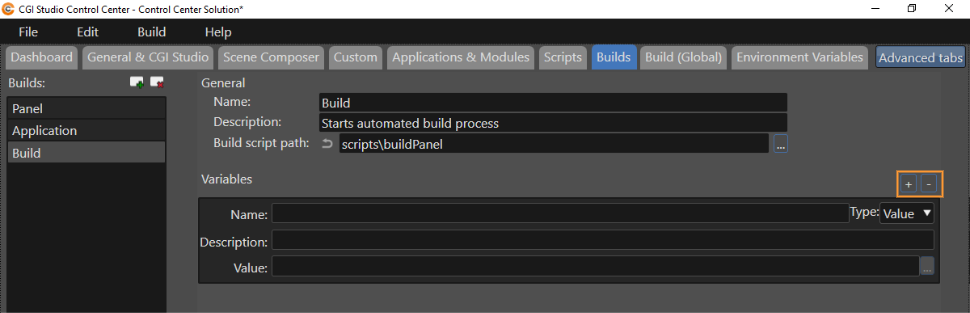
Builds
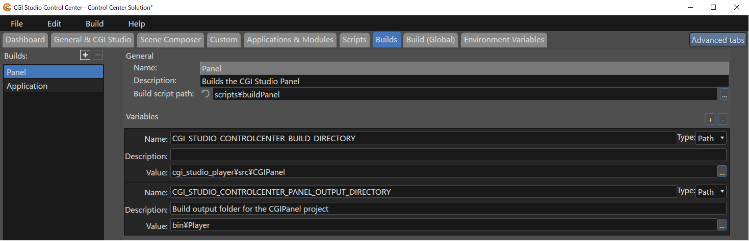
Via the Builds tab it is possible to edit variables that are used in the building of individual applications. Default builds are available in the Builds column on the left-hand side:
Panel – Location of build scripts and other settings needed for building CGI Panel when “Build Panel” on the “Custom” tab is clicked.
Application – Location of build scripts and other settings needed for running Control Center itself.
Each build will have variables that can be configured, seen in the Variables table.
Each variable will have a string name, a string description, and a value. This value will be either of type file (ie. Filename), path (ie. Filepath), or value (ie. string, char, int, etc.). If Type: Value is selected, the file selection button will be greyed out.
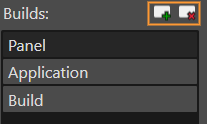
To add or delete builds, use the +/- buttons. These builds can be executed on the “Custom” tab under “Custom ☆”
To add or delete variables for a build, use the +/- buttons on the right-hand side of the variables table.