
Solution Information
This feature allows you to set an easily recognizable name, description, and thumbnail image for each solution. This makes it possible to instantly grasp the content of a solution on the Scene Composer Startup Panel, preventing mix-ups and editing mistakes. Even when managing multiple projects in parallel, you can immediately identify the purpose of each solution, making it a powerful management tool that helps streamline your daily editing work and project progress.
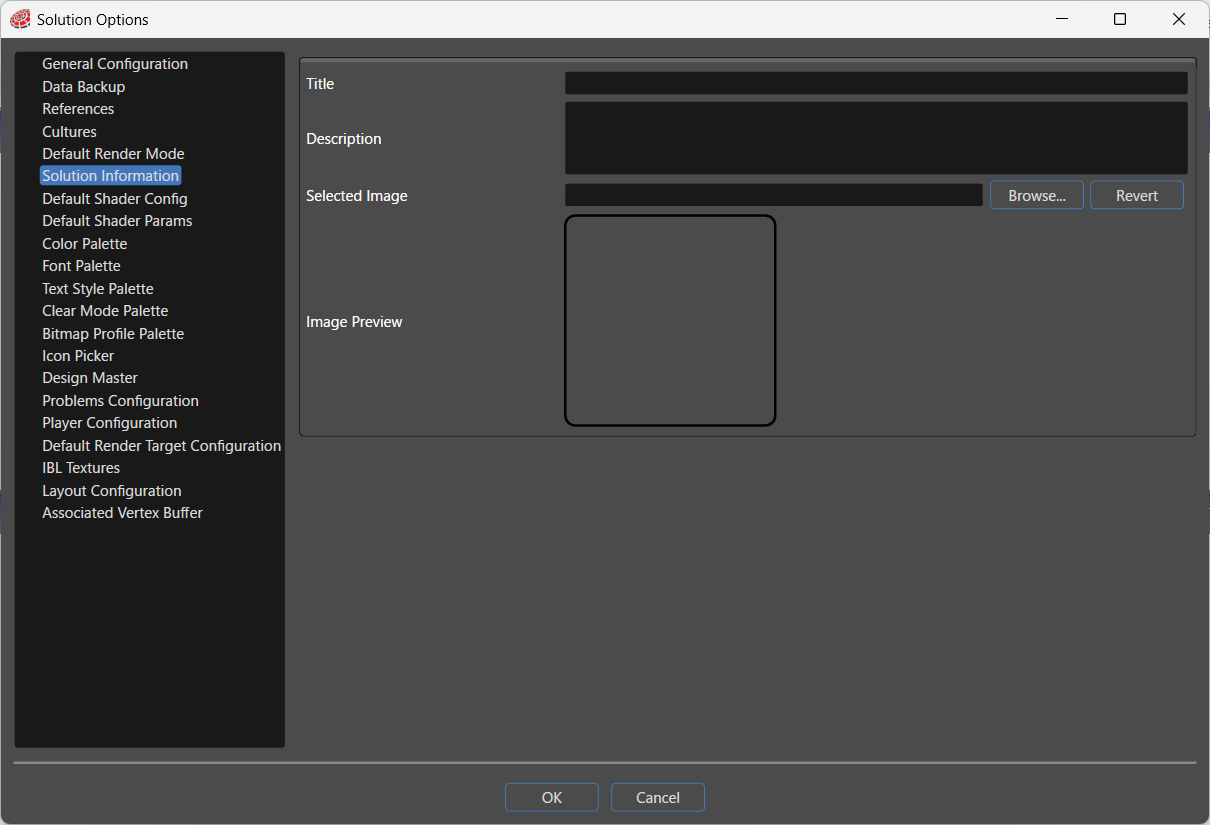
Sets the name of the solution.
You can assign any name that differs from the file name, allowing you to identify the solution with a clear and meaningful name for project management. The name is displayed in the tooltip on the Scene Composer Startup Panel.
DescriptionAllows you to set a description for the solution.
By noting the purpose of the solution, testing objectives, or key points in its editing history, this description serves as a useful reference when managing multiple solutions. The description is displayed in the tooltip on the Scene Composer Startup Panel.
Selected ImageAllows you to set a reference image that makes it easier to visually identify the solution. This image is displayed as a thumbnail on the Scene Composer Startup Panel.