
How to obtain your License?
To run your solutions as assets on hardware, a valid hardware license is required. Without this license, system limitations such as watermarks and runtime restrictions will apply.
Before activating your hardware, ensure that the system is correctly set up according to the Target Setup Guide, up to the section “Activate License”.
Steps to Obtain Your License File:
- Visit the Candera Community Forum.
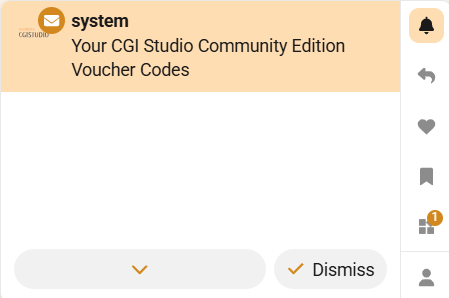
- Sign up to the Candera Community Forum. You will receive a system notification granting access to three license vouchers.
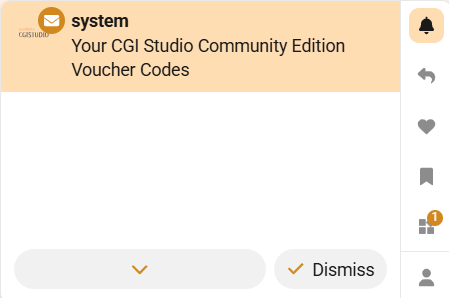
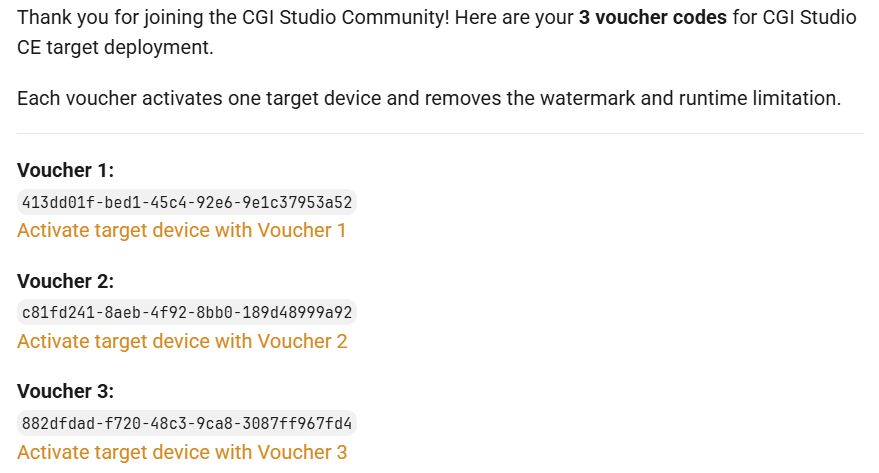
- Open the notification. It will contain the following message:
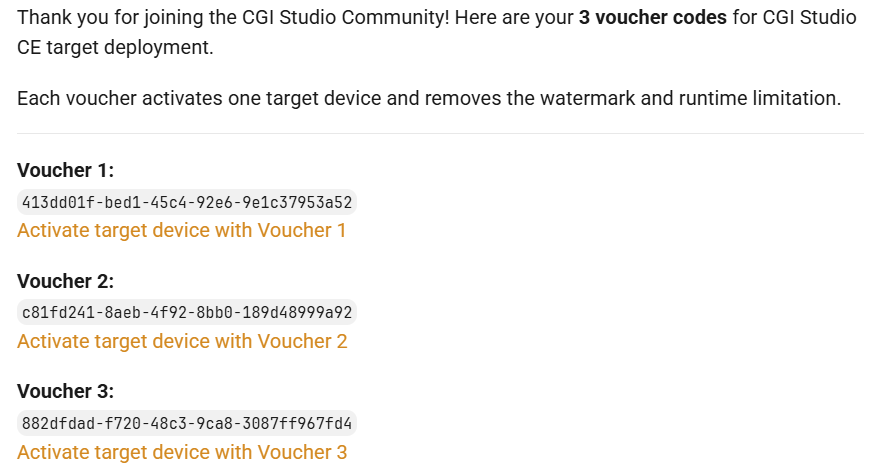
-
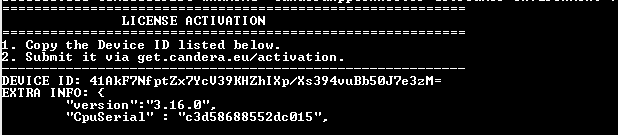
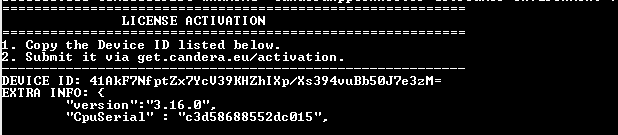
Before obtaining your license, you must retrieve the Device ID of your RaspberryPi device. Ensure that the Candera Debian package is installed on the device before performing this step.
/opt/candera/bin/PlayerYou should see the the Device ID in the console log:
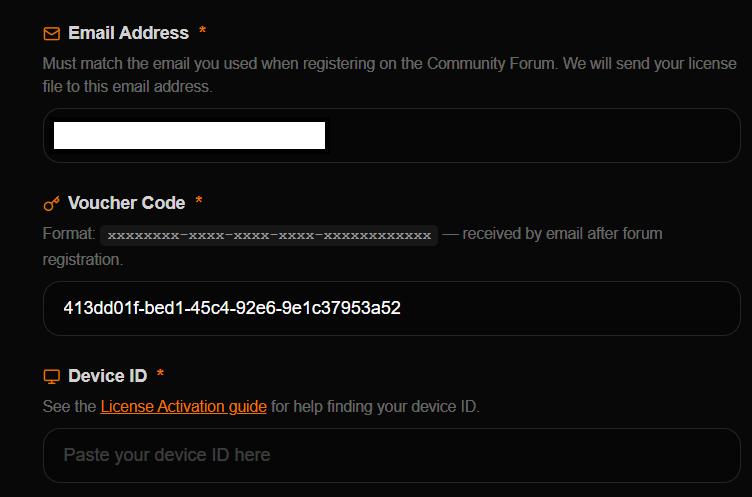
- For a voucher, select the corresponding activation link (e.g., “Activate target device with Voucher 1”).
You will be redirected to the activation page.
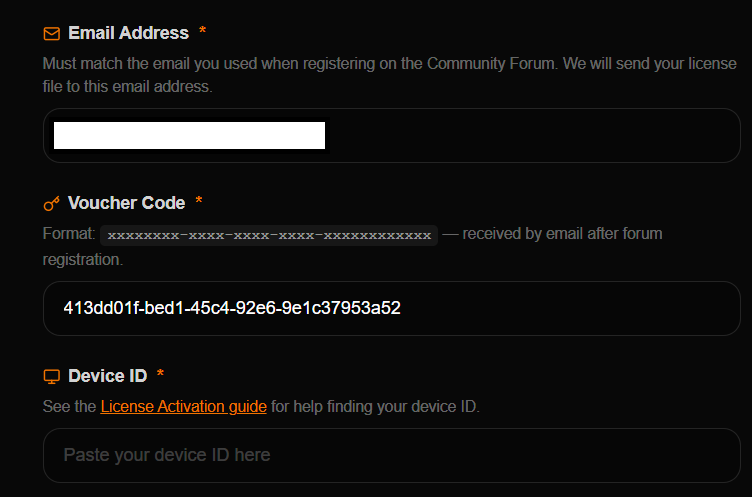
- After submitting the Device ID and completing the voucher activation process, you will receive an email containing your hardware license file (.lic).
-
Copy the license file to the same directory as the Player on the target device.
/opt/candera/bin/License.licIf the license file is not named License.lic, please rename it. CGI Studio is now activated on your target device.
If you don't have
permissionspermission to copy the licensefile pleasefile, grantthemit by running sudo chmod 777 /opt/candera/bin on the device.
Please continue with our Target Setup Guide to run your first assets on the target and familiarize yourself with CGI Studio.