
How to obtain your License?
If you want toTo deploy your solutions as assets ontoon hardware, you require a valid hardware license.license Otherwiseis ourrequired. Without this license, system limitations (watermark,such as watermarks and runtime limitation)restrictions will takeapply.
Before you activateactivating your hardwarehardware, youensure needthat tothe system is correctly set it up according to the Target Setup Guide., Pleaseup consider checking the Target Setup Guide untilto the section "activate“Activate license"License”.
Steps obtainingto yourObtain license.FollowYour License File:
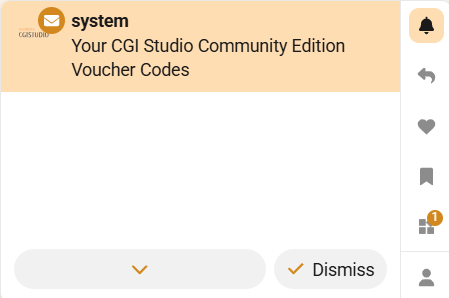
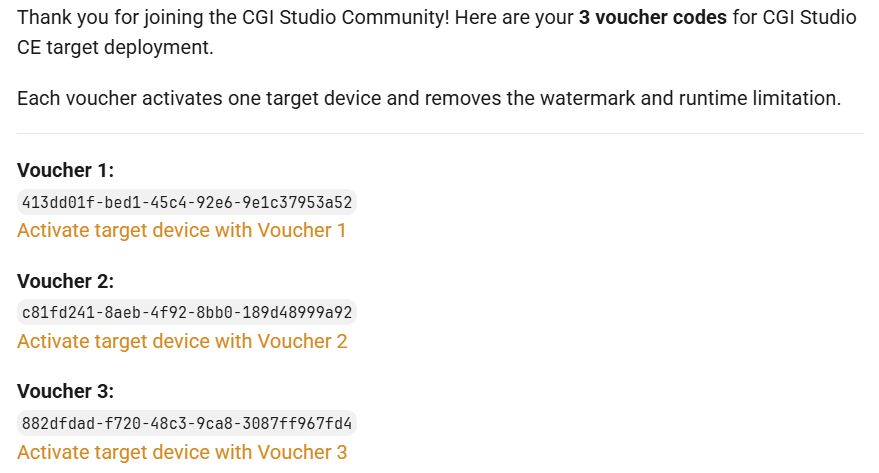
You
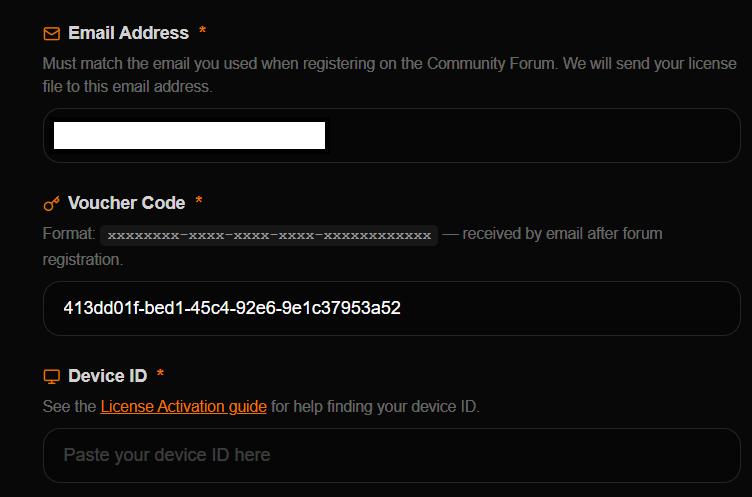
You
The device ID is the serial number of your DeviceRaspberry IDPi beforedevice. continuingTo whichview canthe beserial obtainednumber byof runningyour Raspberry Pi, run the following command onin yourthe hardware:
terminal:
cat /proc/cpuinfoA 16-digit hex value will be displayed near the bottom of the output. Your Raspberry Pi’s serial number is the last eight hex-digits. For example, if you see:
Serial : 0000000012345678
The serial number is 12345678. For more information visit the Raspberry Pi documentation.
Please continue with our Target Setup Guide to run your first assets on the target and getfamiliarize toyourself knowwith CGI-CGI Studio.