
How to obtain your License?
To deploy your solutions as assets on hardware, a valid hardware license is required. Without this license, system limitations such as watermarks and runtime restrictions will apply.
Before activating your hardware, ensure that the system is correctly set up according to the Target Setup Guide, up to the section “Activate License”.
Steps to Obtain Your License File:
- Visit the Candera Community Forum.
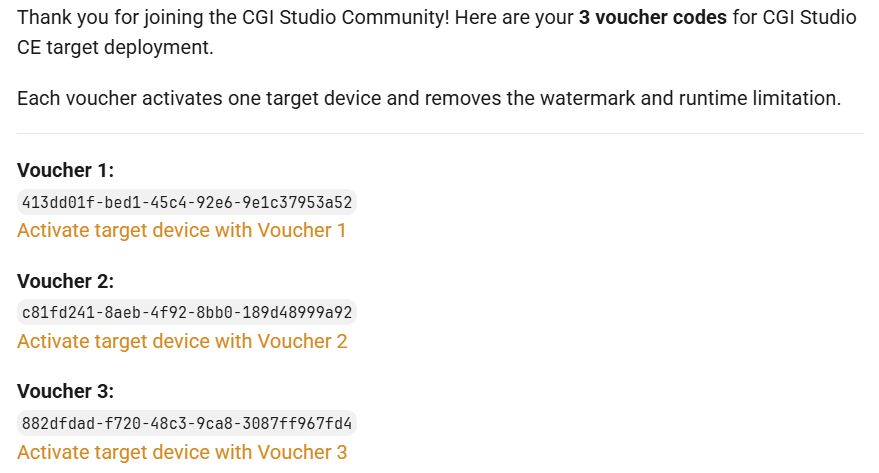
- Sign up to the Candera Community Forum. You will receive a system notification grating access to three license vouchers.
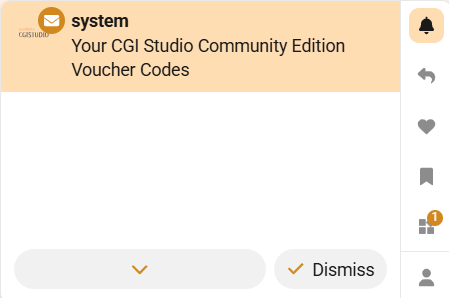
- Open the notification. It will contain the following message:
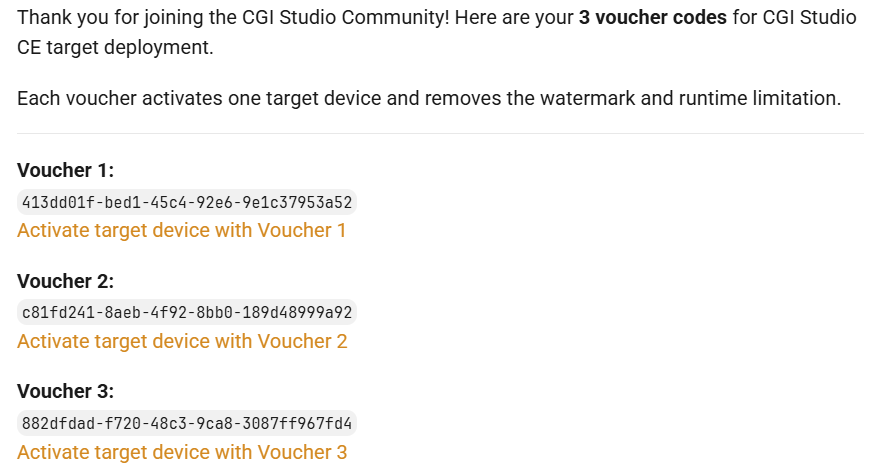
- For a voucher, select the corresponding activation link (e.g., “Activate target device with Voucher 1”).
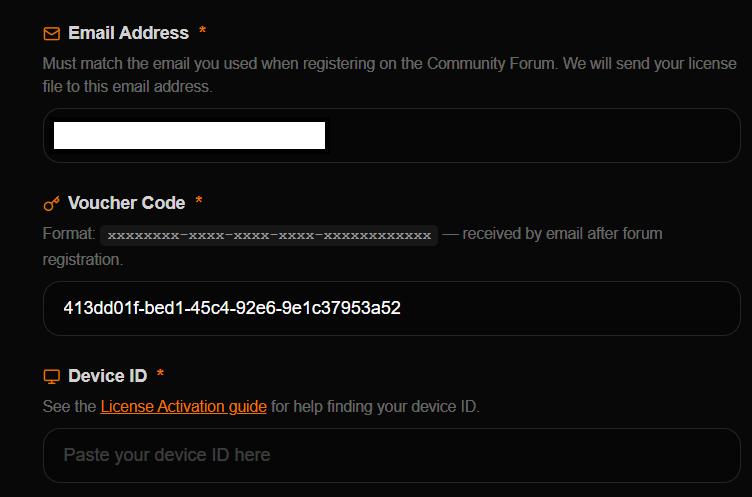
You will be redirected to the activation page.
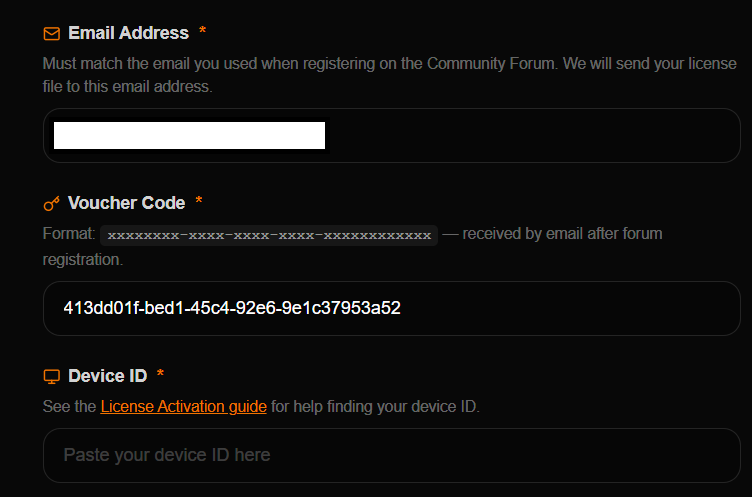
-
The device ID is the serial number of your Raspberry Pi device. To view the serial number of your Raspberry Pi, run the following command in the terminal:
cat /proc/cpuinfoA 16-digit hex value will be displayed near the bottom of the output. Your Raspberry Pi’s serial number is the last eight hex-digits. For example, if you see:
Serial : 0000000012345678
The serial number is
12345678. For more information visit the Raspberry Pi documentation. - After submitting the Device ID and completing the voucher activation process, you will receive an email containing your hardware license file.
Please continue with our Target Setup Guide to run your first assets on the target and familiarize yourself with CGI Studio.