How to obtain your License?
If you want to deploy your solutions as assets onto hardware, you require a hardware license. Otherwise our limitations (watermark, runtime limitation) will take effect. Before you activate your hardware you need to set it up according to the Target Setup Guide. Please consider checking the Target Setup Guide until the section "activate license" before obtaining your license.
Follow the steps below to obtain your license file.
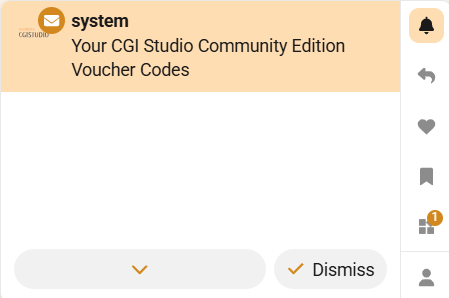
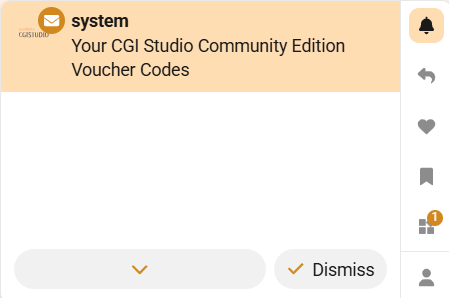
- Sign up to the Candera Community Forum. You will receive a notification which allows you to access your three vouchers.
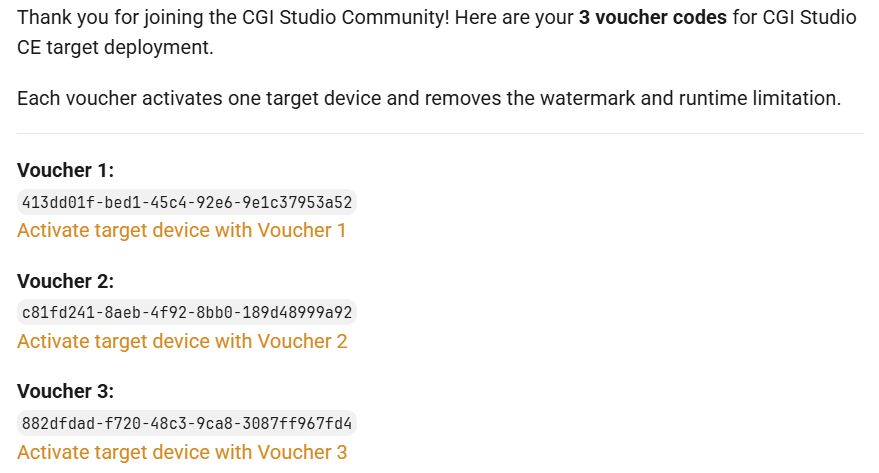
- If you open the message you will see the following text:
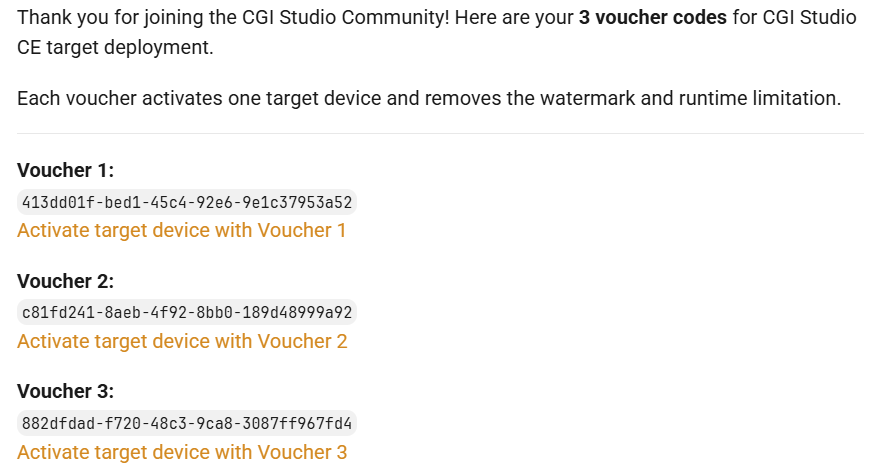
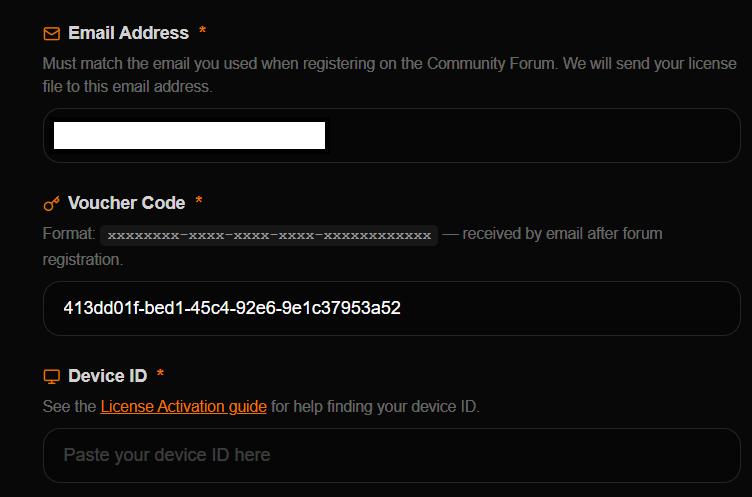
- Select the links below the voucher ids, e.g. "Activate target device with Voucher 1". You'll be forwarded to the following page:
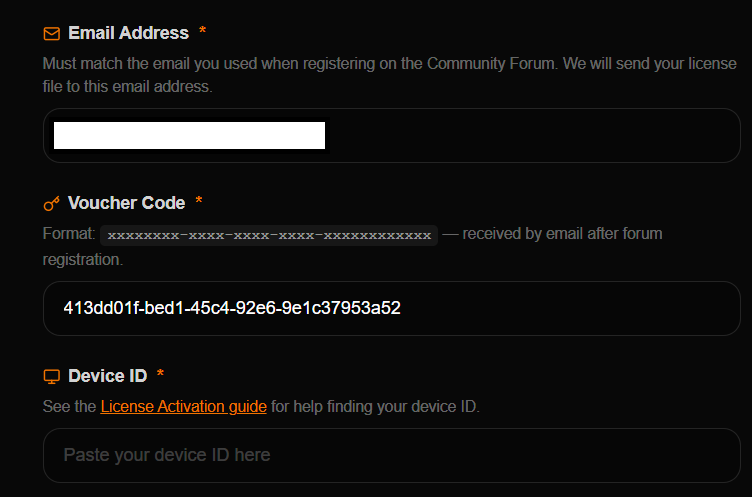
You need to fill your Device ID before continuing which can be obtained by running the following command on your hardware:cat /proc/cpuinfo - Afterwards you'll receive an Email with your license file.
- Please continue with our Target Setup Guide to run your first assets on the target and get to know CGI-Studio.