License activation
If you want to deploy your solutions as assets onto hardware, you require a hardware license. Otherwise our limitations (watermark, runtime limitation) will take effect. Follow the steps below to activate your hardware.
- Sign up to the Candera Community Forum. You will receive a notification which allows you to access your voucher.
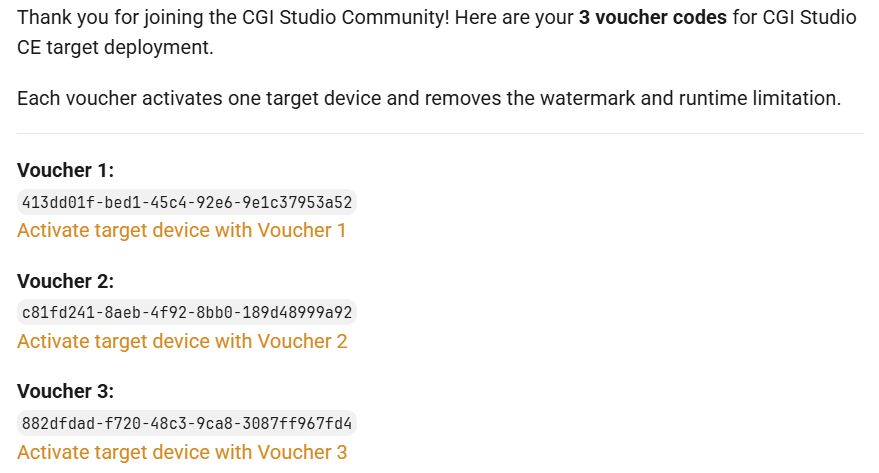
- If you open the message you will see the following text:
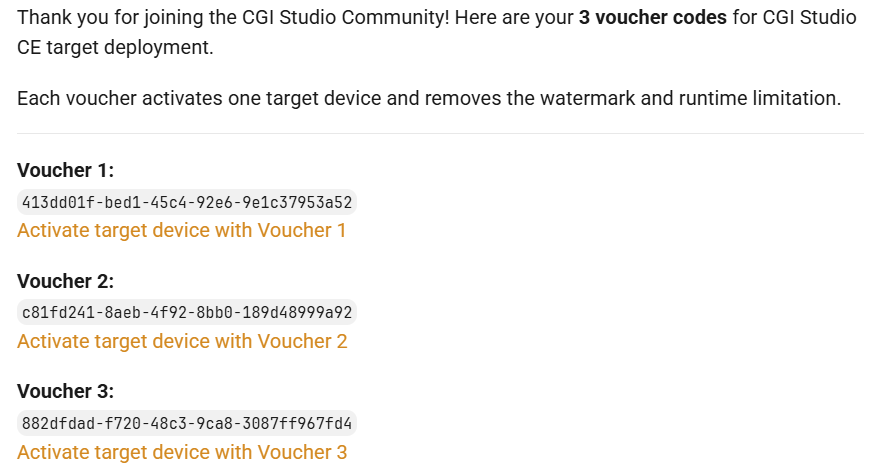
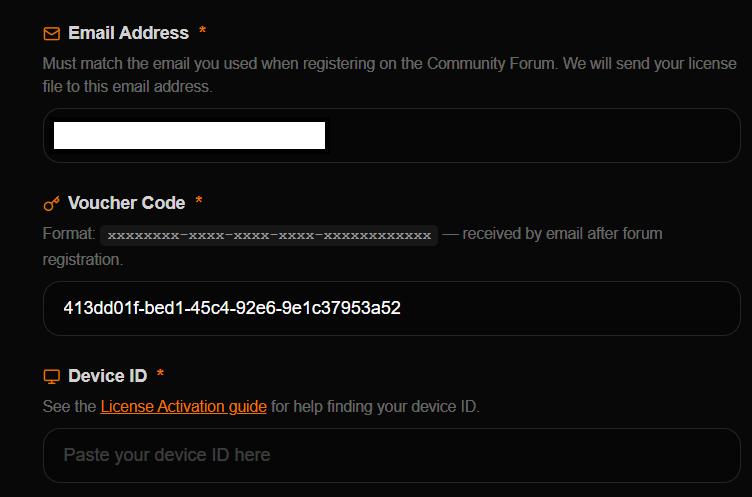
- Select the links below the voucher ids, e.g. "Activate target device with Voucher 1". You'll be forwarded to the following page:
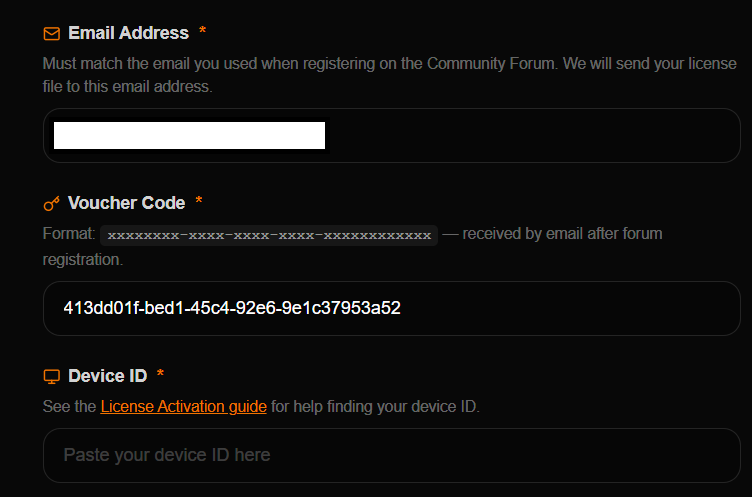
You need to fill your Device ID before continuing which can be obtained by running the following command on your hardware:cat /proc/cpuinfo - Afterwards you'll receive an Email with your license file.
- Please continue with our Target Setup Guide to run your first assets on the target and get to know CGI-Studio.