
IBL HDR
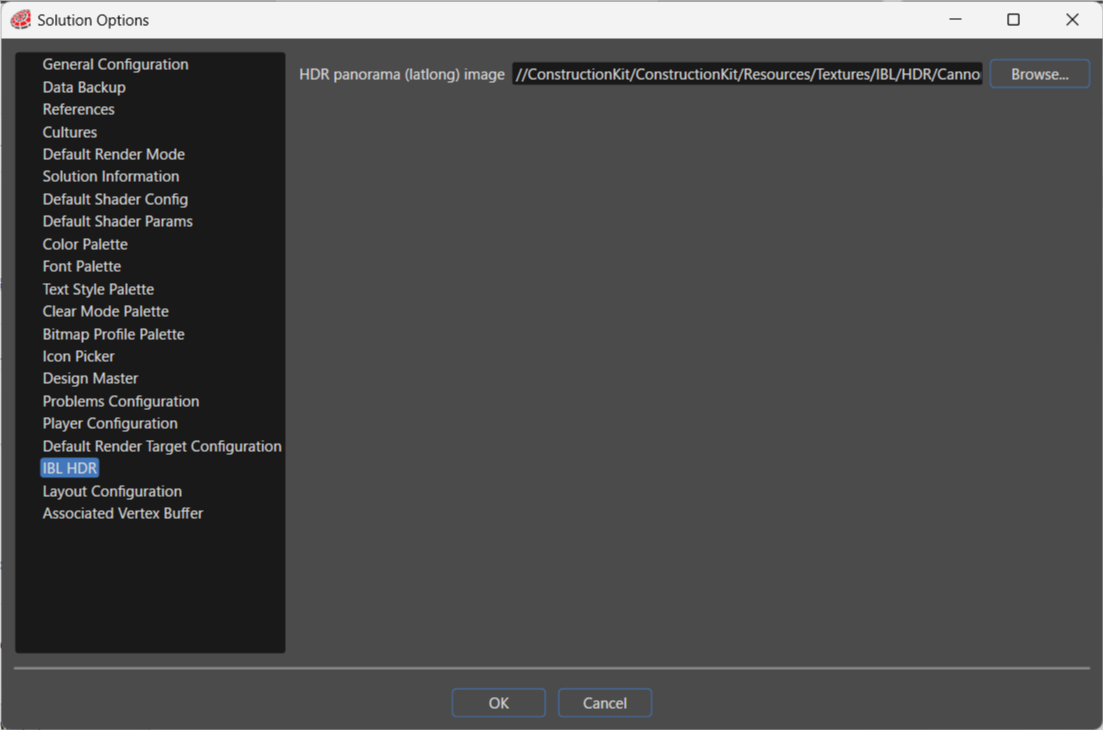
UseSimply thisspecify optiona tosingle setHDR panorama (latlong) image, and the standardEngine will automatically generate the required IBL (Imagetextures. BasedHere, Lighting)you filecan toconfigure the target image. The generated IBL will be used.used Theas IBLa fileshared resource within the project. You can also beconfigure setthe whenHDR panorama (latlong) image settings during importing a glTF file.
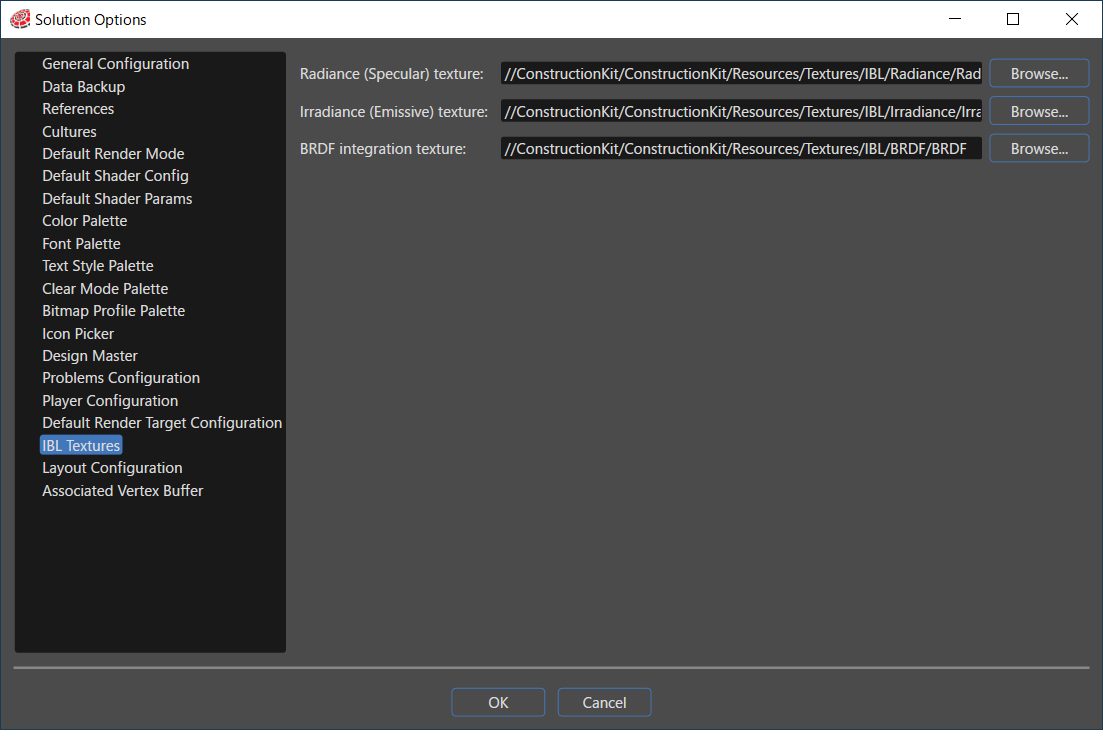
When using the IBL option, all three of the following settings are required
This contains precomputed environment convolution maps with increasing roughness stored in the mipmaps of the cubemap.
This stores the pre-computed BRDF's response to each normal and light direction combination on varying roughness values in a 2D lookup texture.
There is also an own shared library in the references available which also contains BRDF (files for the light dissipation), Diffuse and Specular.
For the IBL Textures the following setting is recommended:
For the IBL Textures the following setting is mandatory:
Those settings are applied if possible (if the resources are not part of a referenced shared library).
Image Based Lighting Textures
To utilize all the features of glTF's metallic-roughness materials, knowledge about its physically based rendering model is required.
Users have to provide the IBL (Image Based Lighting) textures themselves, or rely on the example textures that come with Scene Composer.
IBL textures can be created with a tool like cmftStudio or IBL Baker. They consist of a radiance cubemap with specular pre-convolved environment built into the cubemap's mipmaps, an irradiance map and a BRDF distribution map.
Keep in mind, that the default BRDF map that comes with Scene Composer is generated for white light only. If you change the light's color, the BRDF map will no longer match, thus the end result will not be correct.
The metallic-roughness parameters from glTF translate to Scene Composer's shader and Uniform Setter as follows:
"baseColorFactor" = u_BaseColorFactor
"metallicFactor" = u_MetallicRoughnessValues.x
"roughnessFactor" = u_MetallicRoughnessValues.y