glTF Extensions Solution
Overview
ThisThe glTF Extensions Solution is a sample solution is designed forto demonstrate the various glTF material extensions newly supported in CGI StudioStudio. andEach supportssample glTFhas 2.0been corecrafted specificationsto asshowcase welladvanced asvisual variouseffects KHR extensions. These materials serve as practical references, demonstratingwithin the proper application of advanced PBR (PhysicallyPhysical Based Rendering)Rendering materials(PBR) and lighting configurations within real-world scenes.framework.
Purpose
The goal of this sample solution is to support graphics engineers and designers in quickly understanding the latest rendering features of CGI Studio and effectively implementing them into their own projects. Each test scene allows users to directly verify the visual impact of various parameters.
Description
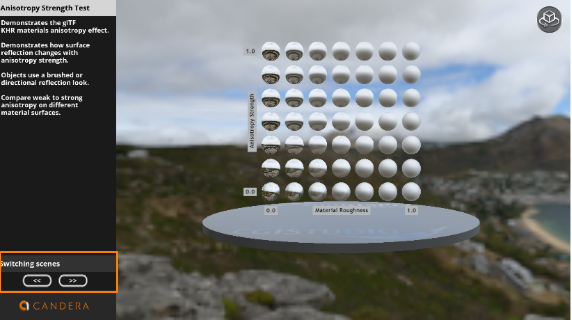
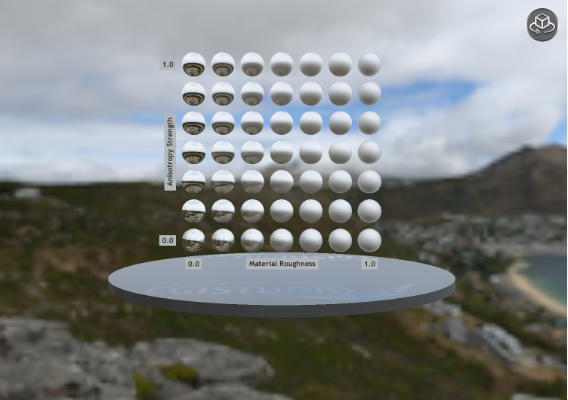
Anisotropy Strength Test
- Demonstrates the glTF KHR materials anisotropy effect.
- Demonstrates how surface reflection changes with anisotropy strength.
- Objects use a brushed or directional reflection look.
- Compare weak to strong anisotropy on different material surfaces.
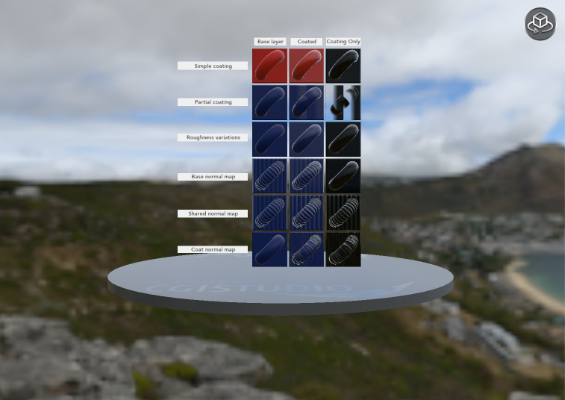
ClearCoat Test
- Demonstrates the glTF KHR materials clearcoat extension using a ClearCoat material.
- Shows a transparent, glossy clearcoat layer applied on top of standard PBR materials.
- Compares objects with no clearcoat, full clearcoat, and clearcoat-only rendering.
- Highlights changes in reflections and surface shine.
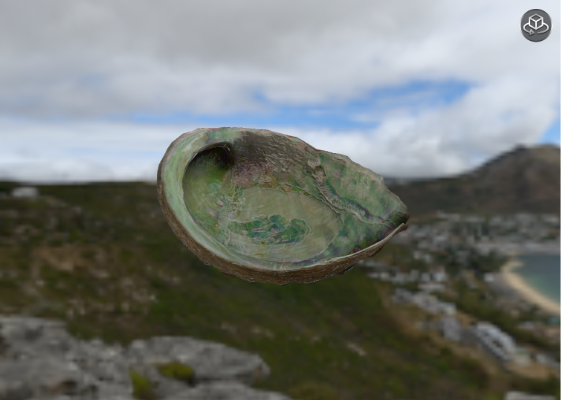
Iridescence Abalone
- Demonstrates the glTF KHR materials iridescence.
- Simulates thin-film color shifts like abalone shell or soap bubbles.
- Colors change based on viewing angle and light direction.
- Shows realistic, view-dependent iridescent surface effects.
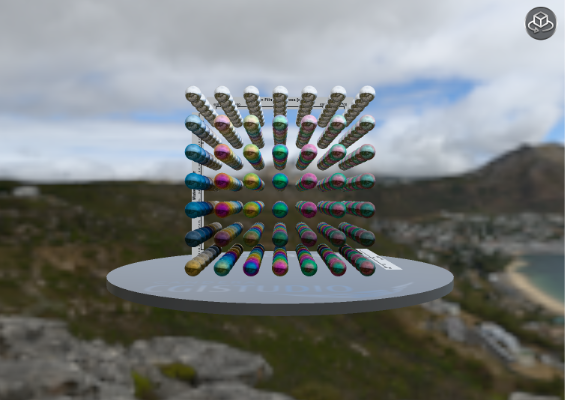
Iridescence Metallic Spheres
- Demonstrates the glTF KHR materials iridescence.
- Shows iridescent color shifts on metallic surfaces.
- Multiple spheres compare different iridescence intensities and metalness.
- Highlights angle-dependent color changes on metals.
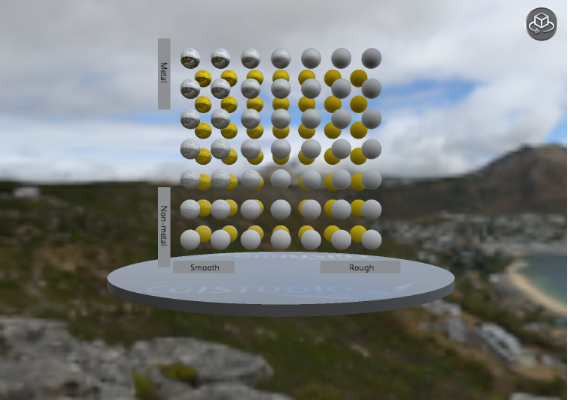
Metal Rough Spheres
- Demonstrates the glTF metallic-roughness PBR material model.
- Shows how metalness and surface roughness affect reflections.
- Multiple spheres compare different metal and rough material combinations.
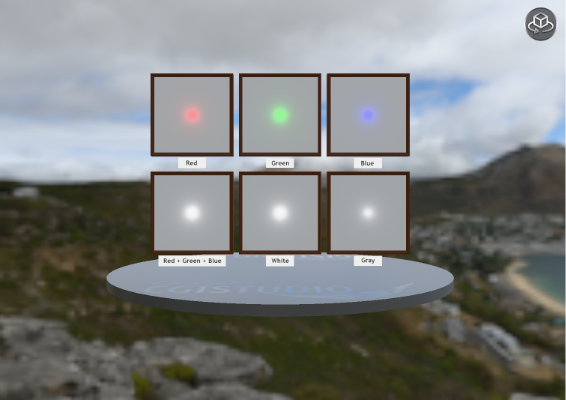
Point LightIntensity Test
- Demonstrates glTF point light intensity and attenuation.
- Shows how light strength affects brightness and surface shading.
- Multiple lights compare low to high intensity values in the scene.
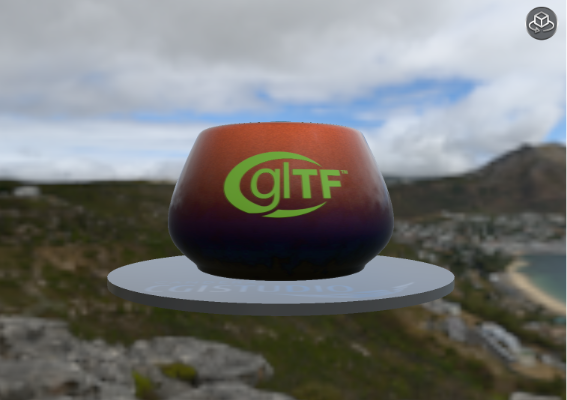
Pot Of Coals
- Demonstrates emissive materials in glTF.
- Shows glowing coals using emissive textures inside a dark pot with a clearcoat material.
- Simulates heat and self-illumination through emissive maps.
- Highlights how emissive materials affect scene lighting and mood.
SpecularTest
- Demonstrates the glTF KHR materials specular.
- Shows control over specular intensity and specular color.
- Objects compare different specular response values under the same lighting.
- Highlights realistic non-metal surface reflections.
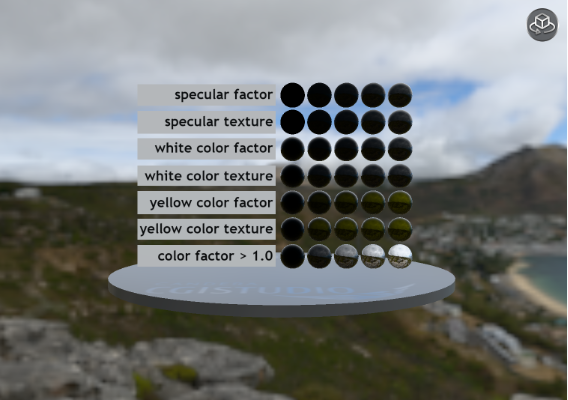
Texture Transform Multi Test
- Demonstrates the glTF KHR texture transformext.
- Shows multiple textures with different UV transforms.
- Objects display translation, rotation, and scaling of textures simultaneously.
- Highlights how texture mapping can be adjusted per material in a scene.
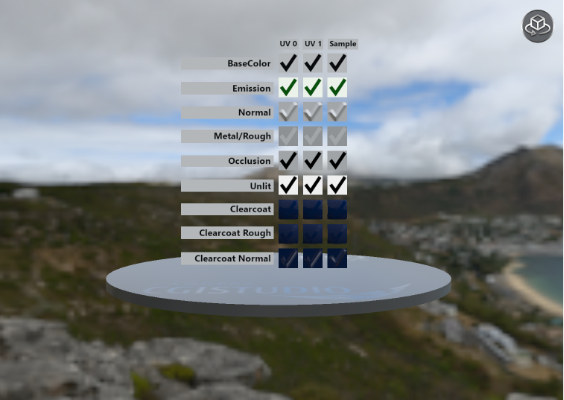
Unlit Test
- Demonstrates the glTF KHR materials unlit.
- Shows materials that do not react to lighting.
- Objects display flat colors and textures without shading.
- Highlights emissive-like effects and simplified material appearance.
Compare Sheen
CompareEmissiveStrength
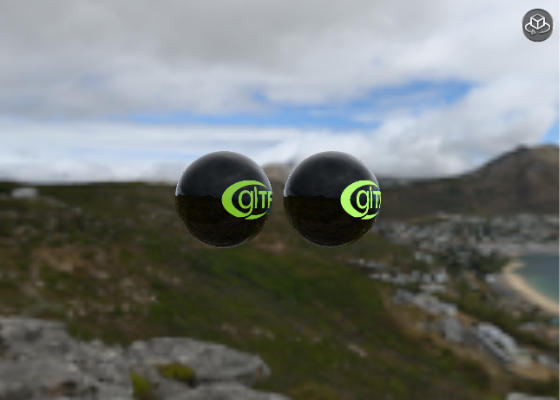
Play/Operation using Player
Use the buttons on the bottom left to switch to the previous or next scene (model). Drag the display area on the right to change the camera position.