
View tickets
To view the tickets please click on “View Issues” in the menu on the left side.
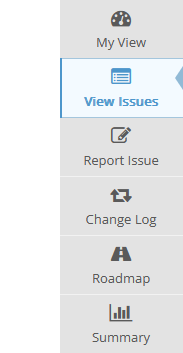

What is important is that only the issues of the currently selected project will be shown. The project can be selected in the top right corner next to the “Report Issue” button. For instance, if “CGI – Studio: Candera Engine” is selected as the current project only tickets that were reported in this project will be shown.


Filters can be applied for listing the issues. Please expand the filters section (first section) to be able to modify them. Plenty of attributes can be changed here to be able to filter the issues.
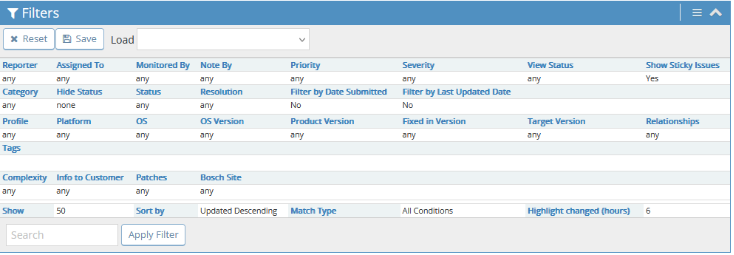

For instance if the issues assigned to a specific developer should be displayed please click on the field “Assigned To:” and choose the developer. If you click on “Apply Filter” the filtered issues will be displayed. A filter can also be saved by clicking on “Save Current Filter.” If the filter is saved it can be chosen in the drop-down list next to “Save Current Filter.”