
Color Depth Configuration
Color Depth Configuration
Color Depth Configuration allows choosing among several supported color formats for generating bitmaps into target asset files. This is required to cover specific needs or constraints on several platforms.
When an image is imported, SceneComposer stores the best quality possible for that image (32bit ARGB).
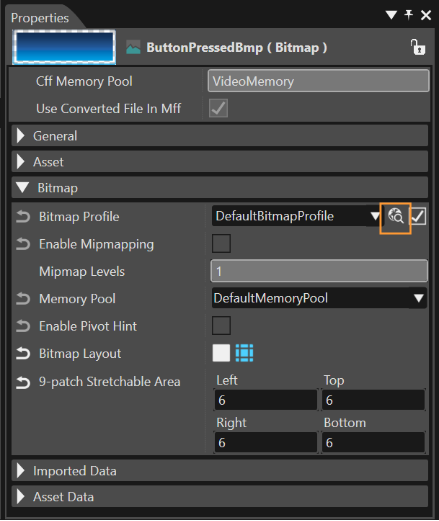
In the Properties panel, the desired value for the property Bitmap Profile can be selected, and the format can be set in a specific panel.
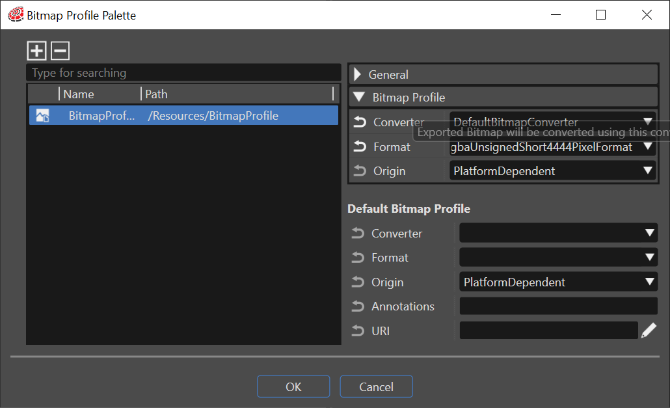
If "Target Format" property is not explicitly set by user the bitmap will be exported using the default bitmap type according to the type of the imported image.
After a re-import of the bitmap, the user-defined target format will remain valid as selected in the Properties panel.