# CGI Studio 3.4.1
#### CGI Studio 3.4.1 - What's new:
Welcome to CGI Studio 3.4.1, Candera's software development platform for development of hybrid 2D and 3D graphical interfaces for automotive systems.
This page informs about the most important features, added since the last release. Focus of this release were new features such as canvas text, functional safety support in SceneComposer, usability improvements, new samples and startup screen with online information.
---
#### 2D Composition in 3D
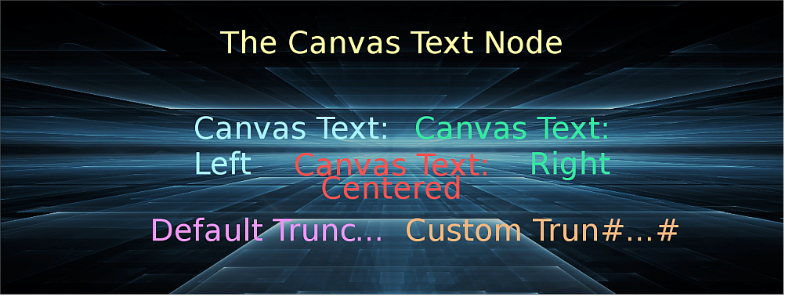
Composition of 2D and 3D content will be unified more and more. As next step it is now possible to render true type text directly in 3D like you are used to in 2D. The text can be rendered on a dedicated canvas object, which is a plane object that can be oriented in 3D space. It is now very easy to apply different text effects directly via shaders. To get best performance the texts are automatically assembled to reduce the number of draw calls.
---
#### Functional Safety SceneComposer
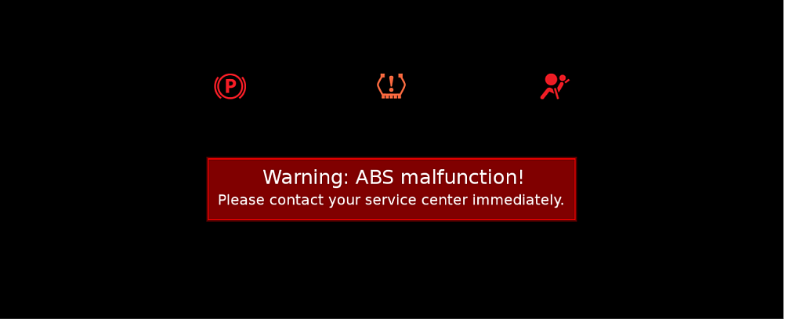
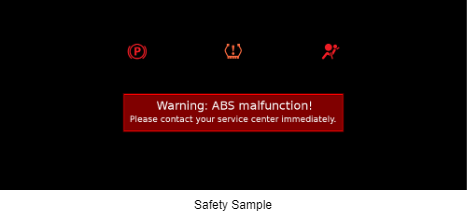
With version 3.4.1 a preview of advanced functional safety HMI composition is introduced in SceneComposer. The safety HMI sample shows how you can compose and export safety content directly in SceneComposer. Advanced functional safety includes following features with 3.4.1:
- Authoring and safe presentation of images and text including transparency
- Positioning and scaling incl. pivot point configuration
- Grouping of objects for common transformations
- Safety asset library validation and integrity checks during runtime
---
#### New Sample Solutions
For everyone who wants to explore the possibilities and capabilities of SceneComposer we offer new sample solutions. In this release you can have a look at the following new sample solutions:
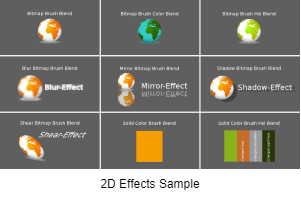
- [2D Effects](https://doc316en.candera.eu/link/262#bkmrk-page-title)
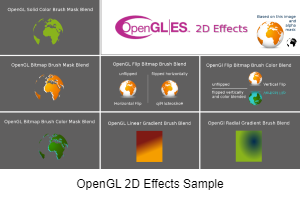
- [OpenGL 2D Effects](https://doc316en.candera.eu/link/326#bkmrk-page-title)
- Safety Sample: A new safety sample solution is available under the safety license. It demonstrates the functionality available under the [Candera](http://dev.doc.cgistudio.at/APILINK/namespace_candera.html) safety promise. It supports building the scene tree with groups, transparent images, texts and offers managing the rendering order using render slots
---
#### Startup Screen with online information
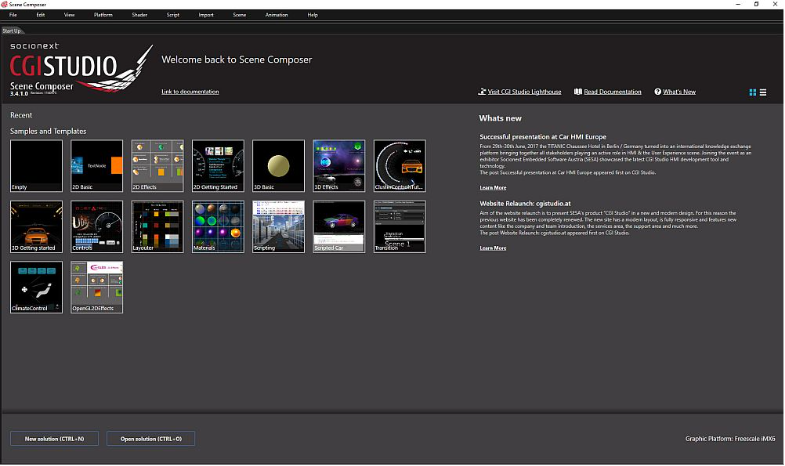
Beside of recent and sample solution the startup screen now also shows the latest online news around CGI Studio development, including features, webinars, and other events to come.
---
#### Usability Improvements
- The funcionality of copy, paste and clone has been unified: now, all context menus support copy, paste and clone operations if appropriate. Especially, the scene tree and the solution panel has been optimized regarding that matter.
- Smart Scene Preview: camera visualization into displays can now be enabled/disabled based on scenes. This action can be performed via a context menu entry on the camera, render target or display object.
---