# Update the Solution Icon
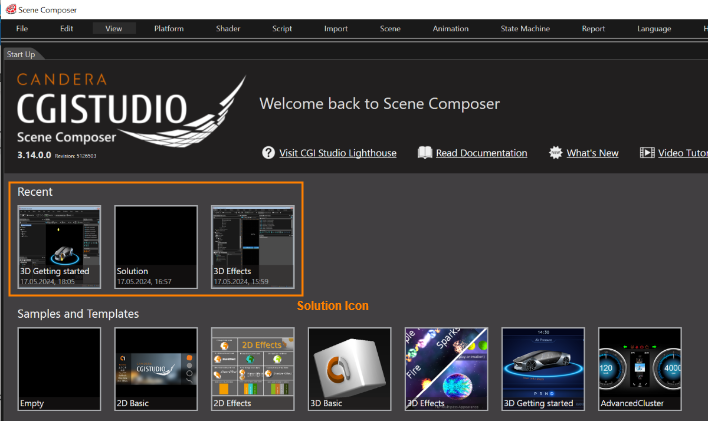
The solution icons displayed in the "Recent" section of the Welcome to Scene Composer screen can be updated.
#### How to update the Solution Icon
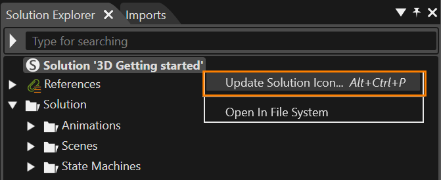
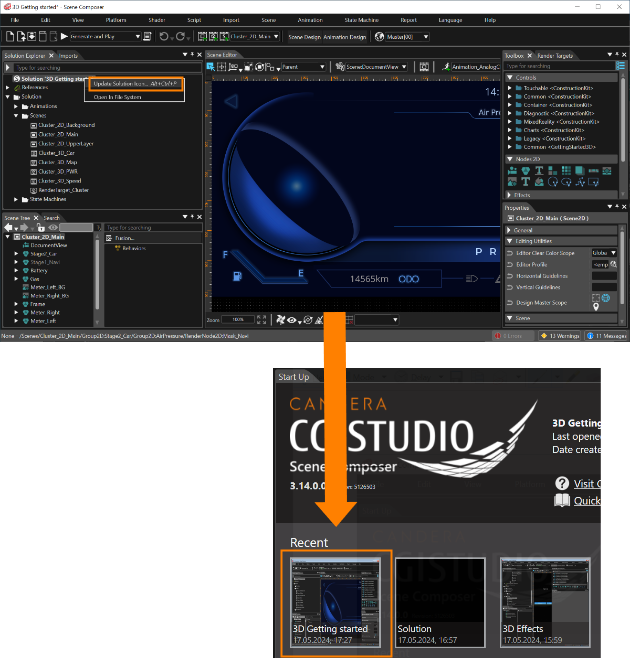
Select \[ Update Solution Icon... \] from the context menu of the solution name displayed at the top of the \[ Solution Explorer \] to set the current Scene Composer screen as the solution icon.
The updated Solution Icon will take effect after restarting Scene Composer.
---