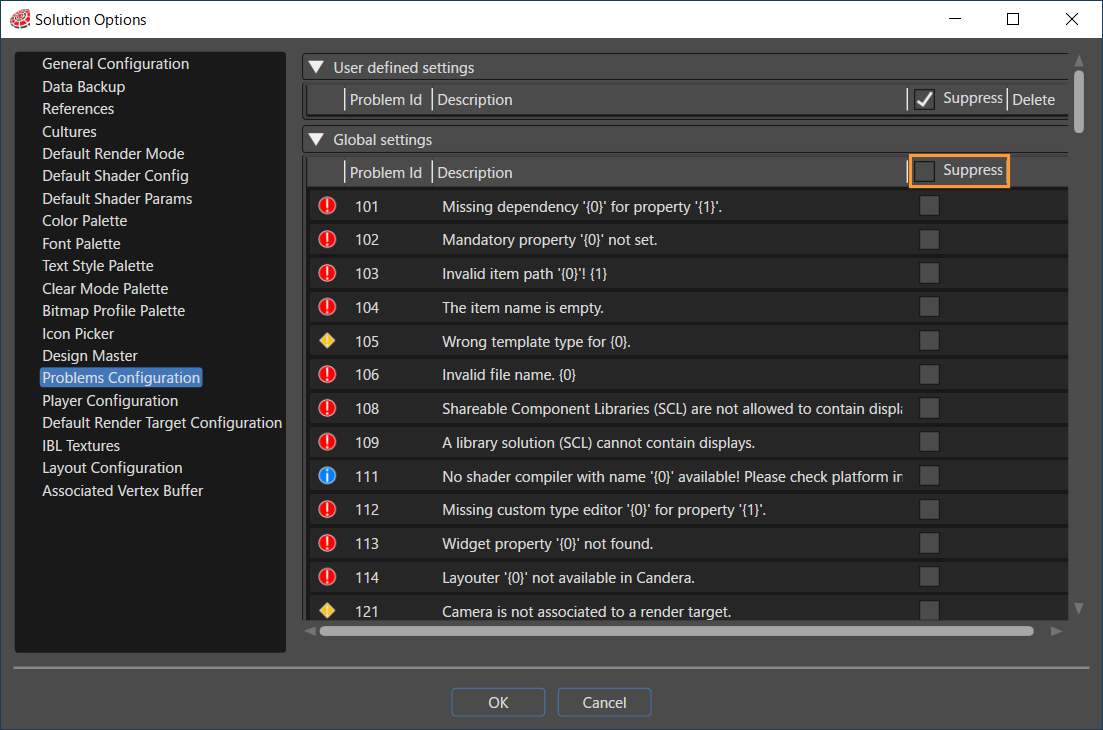
# Problems Configuration
”Errors", "Warnings" and "Messages" that appear in the Problems panel are listed.
- By checking the \[ Suppress \] checkbox on the panel, you can hide the notifications that appear in the Problems panel.
- Even if this option is enabled, "Warnings" and "Messages" will be hidden, but "Errors" will still be displayed.
For more information about the Problems Panel, see [Problems Browser](https://doc316en.candera.eu/books/solution-handling/page/problems-browser).