# IBL HDR
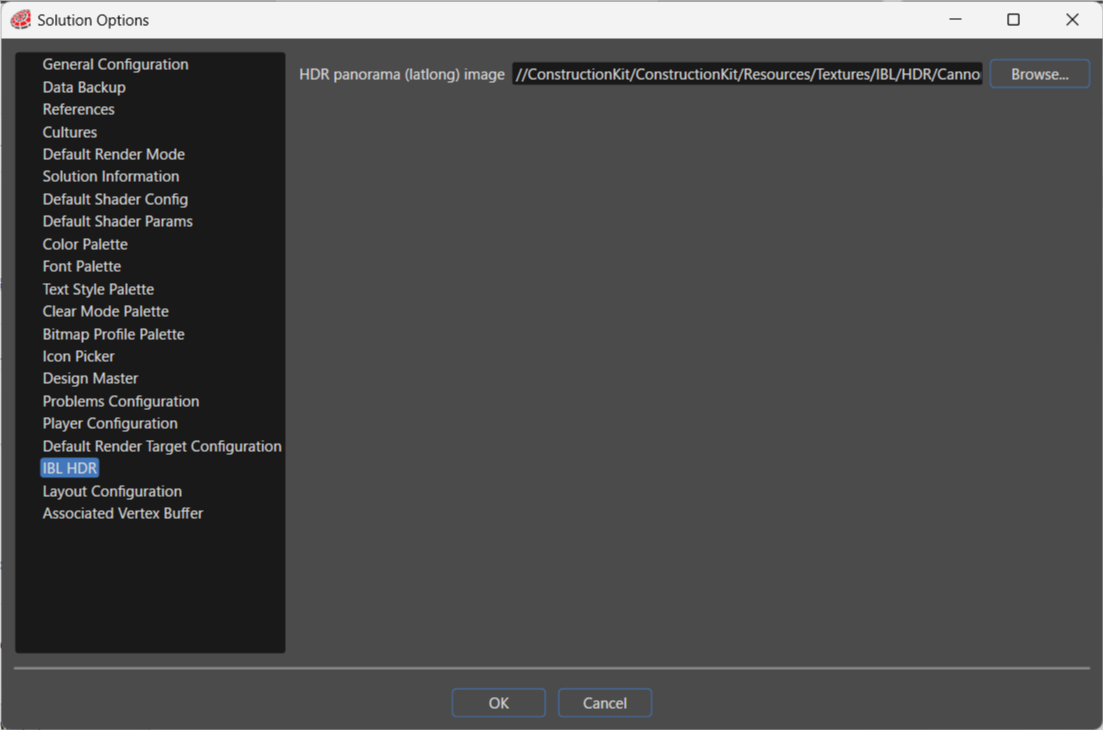
Simply specify a single **HDR panorama (latlong) image**, and the Engine will automatically generate the required IBL textures. Here, you can configure the target image. The generated IBL will be used as a shared resource within the project. You can also configure the **HDR panorama (latlong) image** settings during [importing a glTF file](https://doc316en.candera.eu/link/1101#bkmrk-images%2C-fonts%2C-shade).