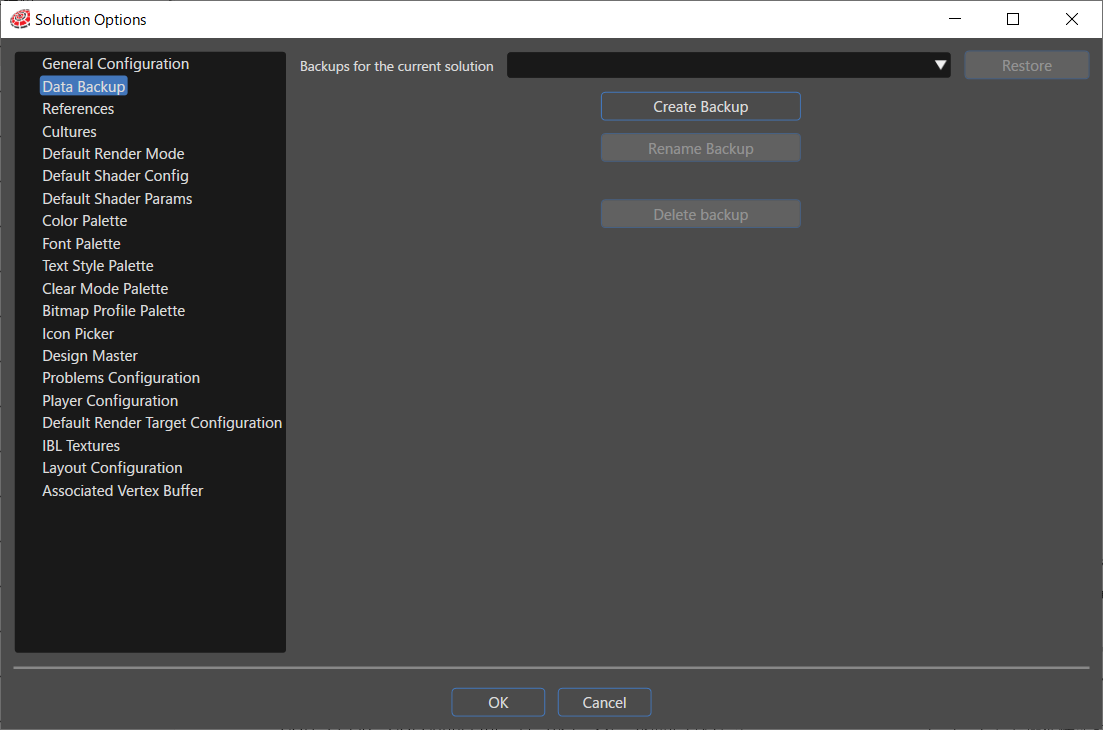
# Data Backup
Creating backups function is important for reducing the risk from unexpected outages. In this way, SceneComposer gives to the user the ability to restore the system to a previous valid state.
All the saved snapshots can be accesed via Solution Options panel. There, in the "Data Buckup" section, the latest snapshots are available in the "Backups for the current solution" field. The user can select one of them in order to restore the solution to it.
Any restore point of the solution can be found on the hard disk as follows:
```
...\AppData\Local\SceneComposer\sol\...
```