# Post Processing Solution
#### Summary
This sample demonstrates how to implement and control post-processing effects in Scene Composer using scripts. It enables toggling effects on and off at runtime and allows property adjustments through UI controls like toggle buttons and sliders.
#### Purpose
The goal of this sample is to showcase the simplicity and flexibility of applying post-processing effects via scripts. It provides a practical example of how to enable/disable multiple effects at runtime and animate their properties interactively using UI elements.
|
|
|
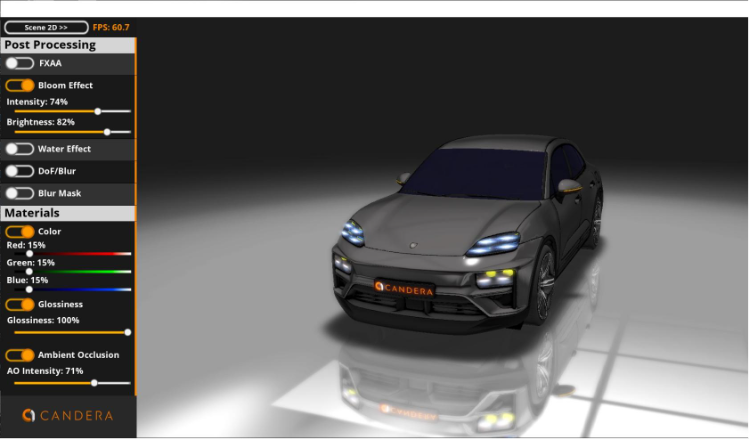
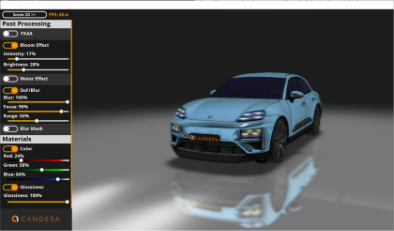
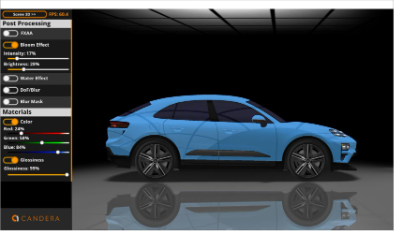
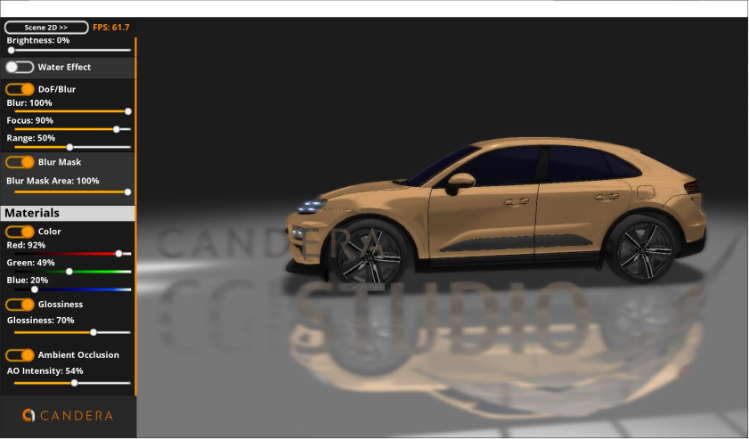
| Example of post-processing a 3D scene | Example of post-processing a 2D scene |
#### Description
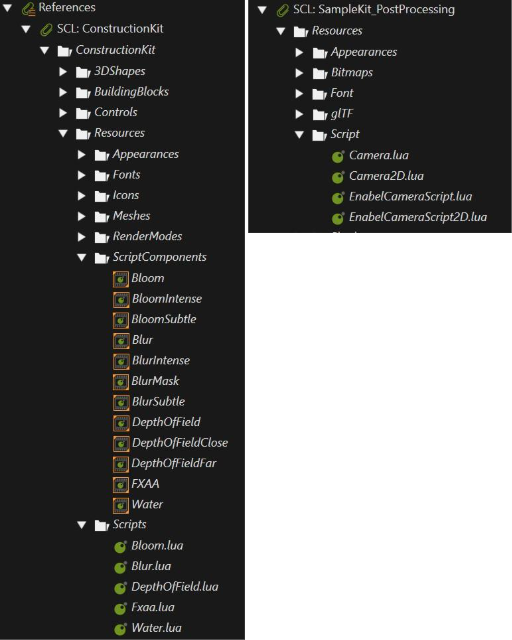
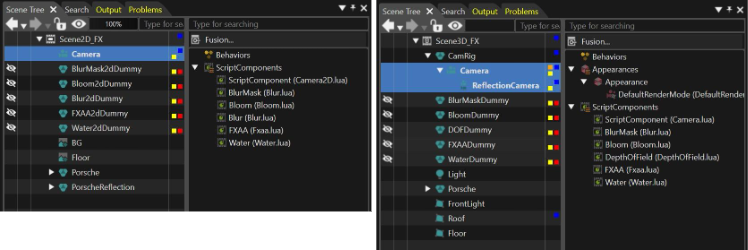
Key elements of this sample include the cameras in Scene3D\_FX scene (both the main and reflection camera nodes) and in Scene2D\_FX scene (Camera node). These cameras have post-processing scripts attached, taken from the **ConstructionKit** and **SampleKit\_PostProcessing** as Script Components.
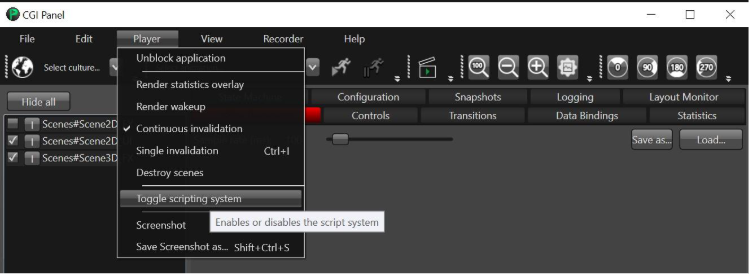
The scripting system for the Player can be enabled via the **State Machine** using the **Enable Scripting System** behavior or by **Toggle Scripting System** in the **CGI Panel's** menu bar.
The **`Scene2D_UI`** handles switching between 2D and 3D views and provides toggle buttons for enabling/disabling individual post-processing effects. Each camera has a script (e.g., **`Camera.lua`** for 3D and **`Camera2D.lua`** for 2D) that stores its ID in a global table. Group nodes named after effects (e.g., `BloomDummy`, `FXAADummy`) have attached scripts (**`EnableCameraScript.lua`**, **`EnableCameraScript2D.lua`**) that control the activation of those effects. Post-processing scripts are toggled by enabling or disabling the rendering of these dummy nodes using the **Enable Rendering Action** behavior.
Several post-processing properties are animated and can be modified at runtime using sliders in the UI. Additionally, there's a **Material Control** section where users can adjust the **PBR shader** properties of the 3D model, such as **Base Color (R, G, B)**, **Glossiness**, and the intensity of the baked **Ambient Occlusion** texture, using the same slider mechanism.
For a deeper understanding of the script functionalities, refer to the comments within each script file.
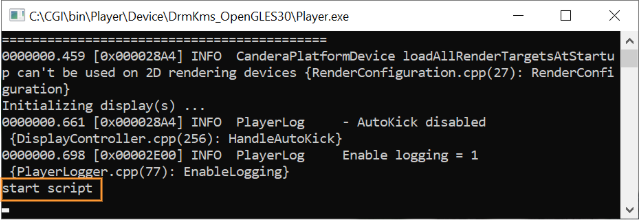
The script system of the Player can be started by typing "start script" into the Player's command window or by Toggle Scripting System in the CGI Panel's menu bar.
To stop the script system type "stop script" into the Player's command window or by Toggle Scripting System in the CGI Panel's menu bar.
---