# Anti-Aliasing
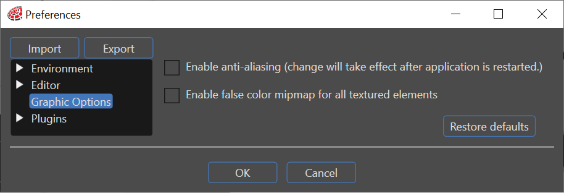
#### Enable anti-aliasing
Enables anti-aliasing effect.
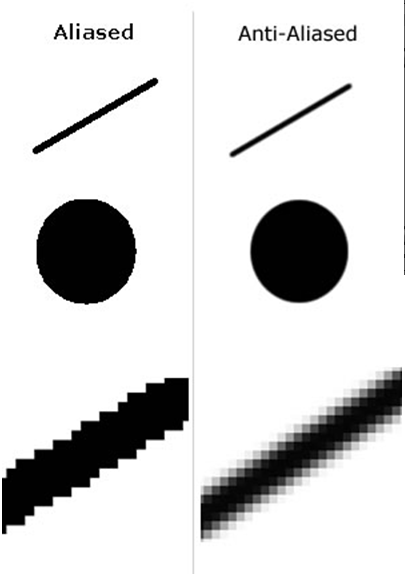
Anti Aliasing is a technique of adjusting pixel positions or setting pixel intensities so that there is a more gradual transition between the color of a line and the background color in order to give a smoother appearance of the object. The image bellow illustrates the Antialiasing effect on an object.
The changing of the anti aliasing will only take effect after the application is restarted.
---