# Import Benchmarks
Render benchmarks can be calculated with CGI Analyzer. As a result, a "\*.crsms" file can be exported with CGI Analyzer, which contains the calculated render time for each node part of a given scene. Import a "\*.crsms" to make node benchmarks available on the node property "Render Benchmark". Once the benchmarks are available on the nodes of a scene, the camera render strategy "Benchmark" can be used for multi-pass rendering.
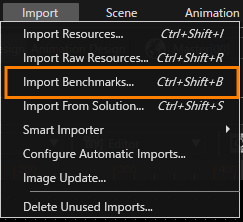
Open the "Import" dialog from the "Import" > "Import Benchmarks" menu.
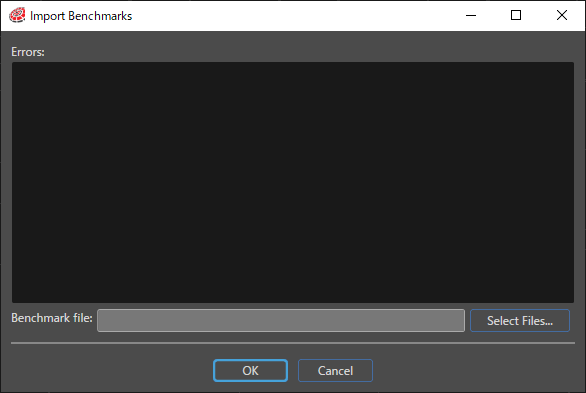
Press the "Select Files..." button and choose a "\*.crsms" file from the Open dialog.
The values from the imported .crsms file will be applied to the "Render Benchmark" property of all nodes.
The errors encountered after the .crsms file is selected are displayed in the Import Benchmark dialog.
More detailed information can be found in [CGI Studio Application Development Tutorial](https://doc316en.candera.eu/books/candera).