# Building CGI Panel
The CGI Panel is a C# project which provides a graphical interface which supports the control of scenes and animations by managing the flow of the Player.
#### Building CGI Panel
Usually there is no need to build the CGI Panel on your own, since the executable is already provided for the Player build environment - refer to either:
#### Building CGI Panel
For building a new CGI Panel, refer to the following steps:
1. Start Visual Studio 2017 or higher and load solution *<cgi-studio-root>/cgi\_studio\_player/src/CGIPanel/CGIPlayer.sln*.
2. Build the project and then press F5 to start the CGI Panel in Debug Mode.
This solution allows the customer to extend the windows UI control of the Player.
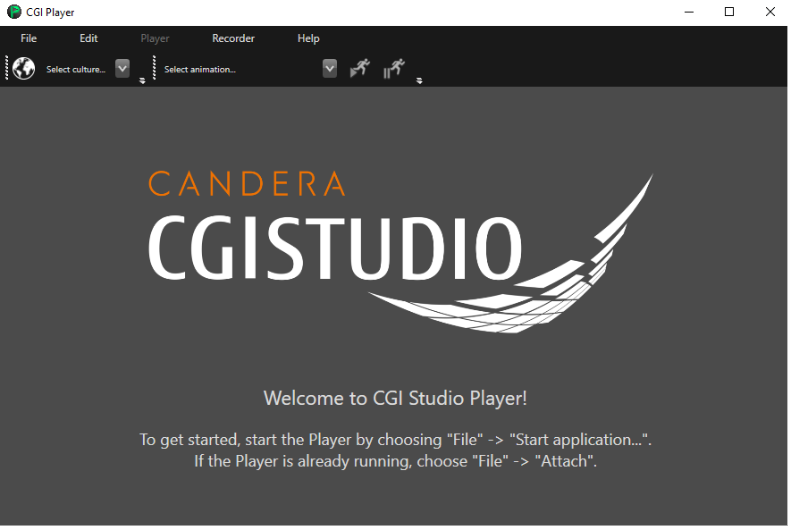
Actually, the C# Panel is responsible for providing the following Player control panel:
For additional information regarding CGI Panel User Interface please take a look at [CGI Panel User Interface - Overview](https://doc316en.candera.eu/books/player/page/overview).
Upon opening a specific asset library, the CGI Panel will attach to a Player for asset loading and content display. The next section explains how to create the application.